---
title: "10 AI Tools for Developers in 2026: Editors and Agents"
description: "Compare 10 AI tools for developers, from Cursor and Claude Code to GitHub Copilot and Projectify, with real use cases and honest limitations for each."
url: https://projectify.si/blog/ai-tools-for-developers
updated: 2026-10-27
---
# 10 AI Tools for Developers in 2026: Editors and Agents
Published 2026-10-27 by the Projectify team · Topics: AI developer tools, AI coding assistants, Claude Code, multi-agent coordination, AI code review
You've left several coding agents running while you finish a release. At midnight, one changes a shared API type, another rewrites its callers, and another “fixes” the tests against the old contract. Each patch looks reasonable on its own. Together, they don't compile.
That's the gap most comparisons of AI tools for developers miss. Autocomplete quality matters, but it doesn't tell you who owns a migration, whether an agent can run your integration tests, or how much time you'll spend reconciling competing changes.
Adoption isn't the same as readiness for autonomous work. In [Stack Overflow's 2025 Developer Survey](https://survey.stackoverflow.co/2025/), 84% of respondents were using AI tools in their development process or planning to do so, while 31% were using AI agents. An editor assistant and a delegated coding worker create different review, permission, and coordination requirements.
> Parallel agents need separate working copies and shared decisions. Separate branches alone won't stop them from implementing incompatible assumptions.
Choose tools by the layer where work gets stuck: editing, terminal execution, repository review, or coordination. Some products cover several layers, but none removes the need to define acceptance criteria and review changes.
The practical cost is also broader than a subscription. Count usage allowances, cloud execution constraints, reviewer attention, and recovery from incorrect edits. A tool that produces a patch quickly can still make the task slower if you spend the evening untangling it.
## Table of Contents
- [1. Projectify](#1-projectify)
- [Task ownership isn't file isolation](#task-ownership-isnt-file-isolation)
- [2. GitHub Copilot](#2-github-copilot)
- [Keep review independent](#keep-review-independent)
- [3. Cursor](#3-cursor)
- [Measure completed work, not generated code](#measure-completed-work-not-generated-code)
- [4. Claude Code](#4-claude-code)
- [Subscription access isn't unlimited execution](#subscription-access-isnt-unlimited-execution)
- [5. Devin Desktop](#5-devin-desktop)
- [Treat the transition as a rollout dependency](#treat-the-transition-as-a-rollout-dependency)
- [6. Replit Agent](#6-replit-agent)
- [A running preview isn't production acceptance](#a-running-preview-isnt-production-acceptance)
- [7. OpenAI Codex](#7-openai-codex)
- [Separate access from capacity](#separate-access-from-capacity)
- [8. JetBrains AI Assistant](#8-jetbrains-ai-assistant)
- [Credits add another budget](#credits-add-another-budget)
- [9. Tabnine](#9-tabnine)
- [Evaluate the configuration you'll actually buy](#evaluate-the-configuration-youll-actually-buy)
- [10. Augment Code](#10-augment-code)
- [Context needs a reviewable result](#context-needs-a-reviewable-result)
- [AI developer tools compared by where they run, free access and best use](#ai-developer-tools-compared-by-where-they-run-free-access-and-best-use)
- [Match the Tool to the Layer Where Your Work Breaks](#match-the-tool-to-the-layer-where-your-work-breaks)
- [Pilot a complete task](#pilot-a-complete-task)
- [Scale the review process with the workers](#scale-the-review-process-with-the-workers)
## 1. Projectify
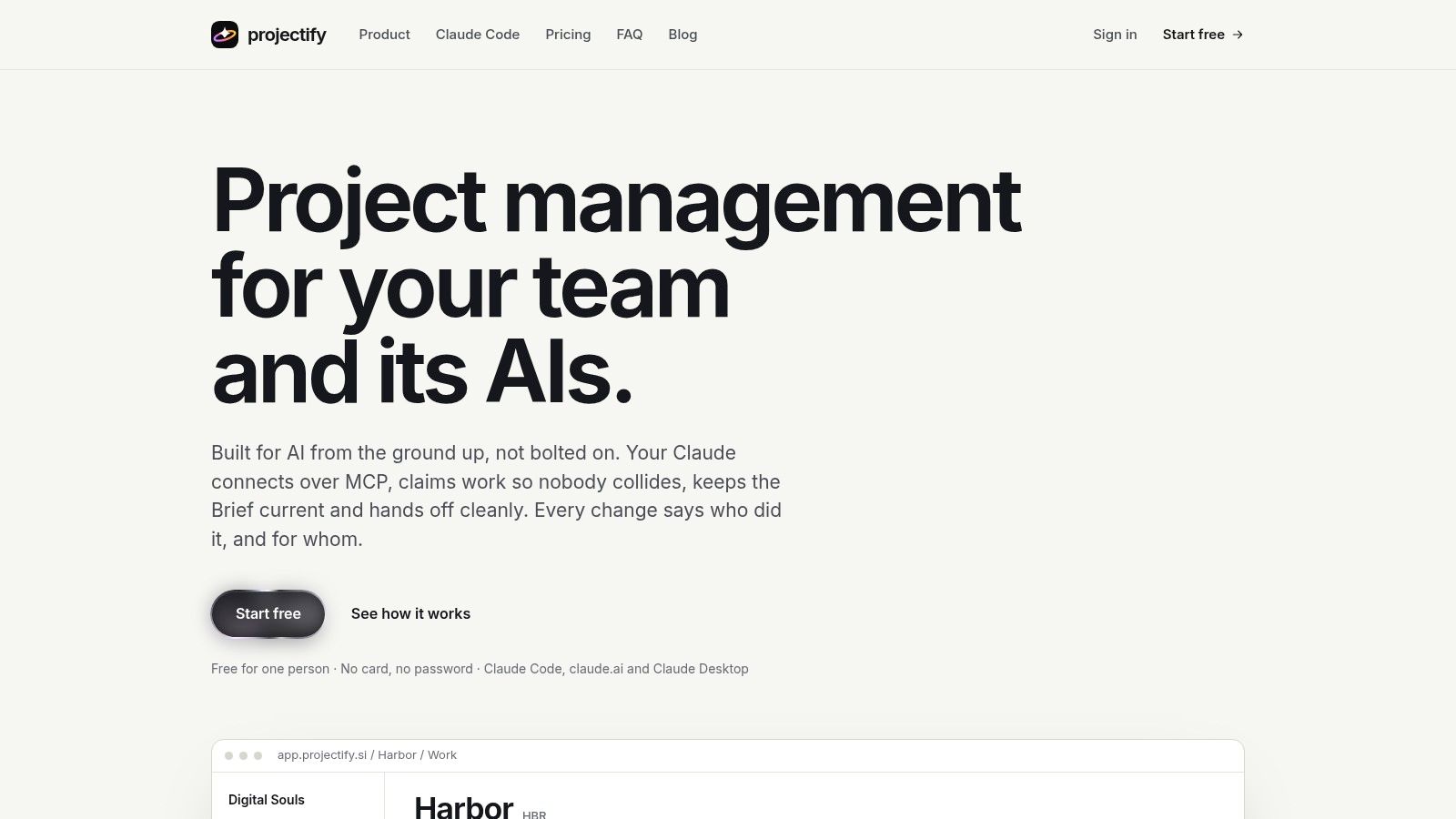
**Layer: Multi-agent coordination.** On most boards an agent is a read-only integration. On Projectify it is a member: agents connect over MCP, claim work under a named person, keep the Brief current, and hand off cleanly when a session ends.
Two primitives keep parallel work from colliding. A claim is a lease on a task: only the holder changes it, every action renews the lease, and the lease frees itself 30 minutes after the holder goes quiet. Start next is one queue that people and agents both pull from, handing out the highest-ranked task that is free and not blocked. Briefings cover the project brief, project rules, where things live, active work and the latest handoff, so a replacement session doesn't rebuild context from chat history. Handoffs close each session in four short parts: what was done, what is unfinished, what comes next and which tasks it touched. Decisions record the context, the alternatives considered and the consequences.
### Task ownership isn't file isolation
A claim stops two agents picking up the same task. It cannot stop different tasks from touching the same schema, lockfile or generated client, so run execution in separate Git worktrees and have agents warn in project chat before changing shared code. Projectify's Fleet for Claude Code, coming soon, automates part of this: one plugin starts workers on your machine, each takes a task from Start next, works in its own worktree in auto mode and reports back. The fleet runs on your Claude plan; Projectify never runs Claude itself.
Attribution attaches every change to a person and, where an agent made it, to that agent. A reviewer can separate a developer's decision from an agent's proposed update without digging through chat logs.
- **Existing boards:** Two-way sync with Monday, Trello, and Azure DevOps lets clients keep their boards, with conflicts surfaced where people already work.
- **Connections:** Claude Code connects with one command; claude.ai and Claude Desktop use a connector you approve in the browser, and each acts for a named person. Any MCP client works, and GitHub and Figma integrations pull in development and design context.
- **Deployment and cost:** Solo is free for one person and includes every feature, with no card needed. Self-hosting is available, with help setting up Docker Compose, Postgres, and SSO.
The trade-off is workflow adoption. If agents don't claim tasks, record decisions, and leave handoffs, a shared board won't fix the process. Conventional task tracking is enough when you rarely delegate work across sessions.
## 2. GitHub Copilot
**Layer: Editor assistance and GitHub workflows.** [GitHub Copilot](https://github.com/features/copilot) is a practical starting point when your team already works in GitHub and doesn't want to standardize on a replacement editor. Completions, chat, agent mode, delegated coding, and pull request review cover different parts of the same development workflow.
Use inline assistance for repetitive implementation and chat for questions grounded in selected code. Give delegated work a bounded issue, such as adding validation to an endpoint with explicit failure cases. Repository instructions help establish conventions, but they aren't a substitute for permissions or tests.
### Keep review independent
Copilot's pull request review can flag changes before a human reviewer starts. It shouldn't become the sole approval mechanism, especially when an agent wrote the patch using similar assumptions. Ask the reviewer to inspect authorization boundaries, migration safety, and missing negative tests rather than merely summarizing the diff.
- **What fits:** Teams that want assistance across supported editors and GitHub without maintaining an entirely separate workflow.
- **What limits it:** Agent and chat activity consume plan allowances or AI credits, and feature availability depends on the plan and environment.
A free plan makes evaluation accessible, but it doesn't establish the cost of sustained agent use. Run representative tasks before assigning seats broadly, and distinguish editor help from delegated execution when choosing an [AI coding assistant](https://projectify.si/blog/ai-coding-assistant).
The trade-off is convenience versus overlapping capabilities. GitHub integration reduces friction, but you still need shared ownership when multiple agents work on related issues.
## 3. Cursor
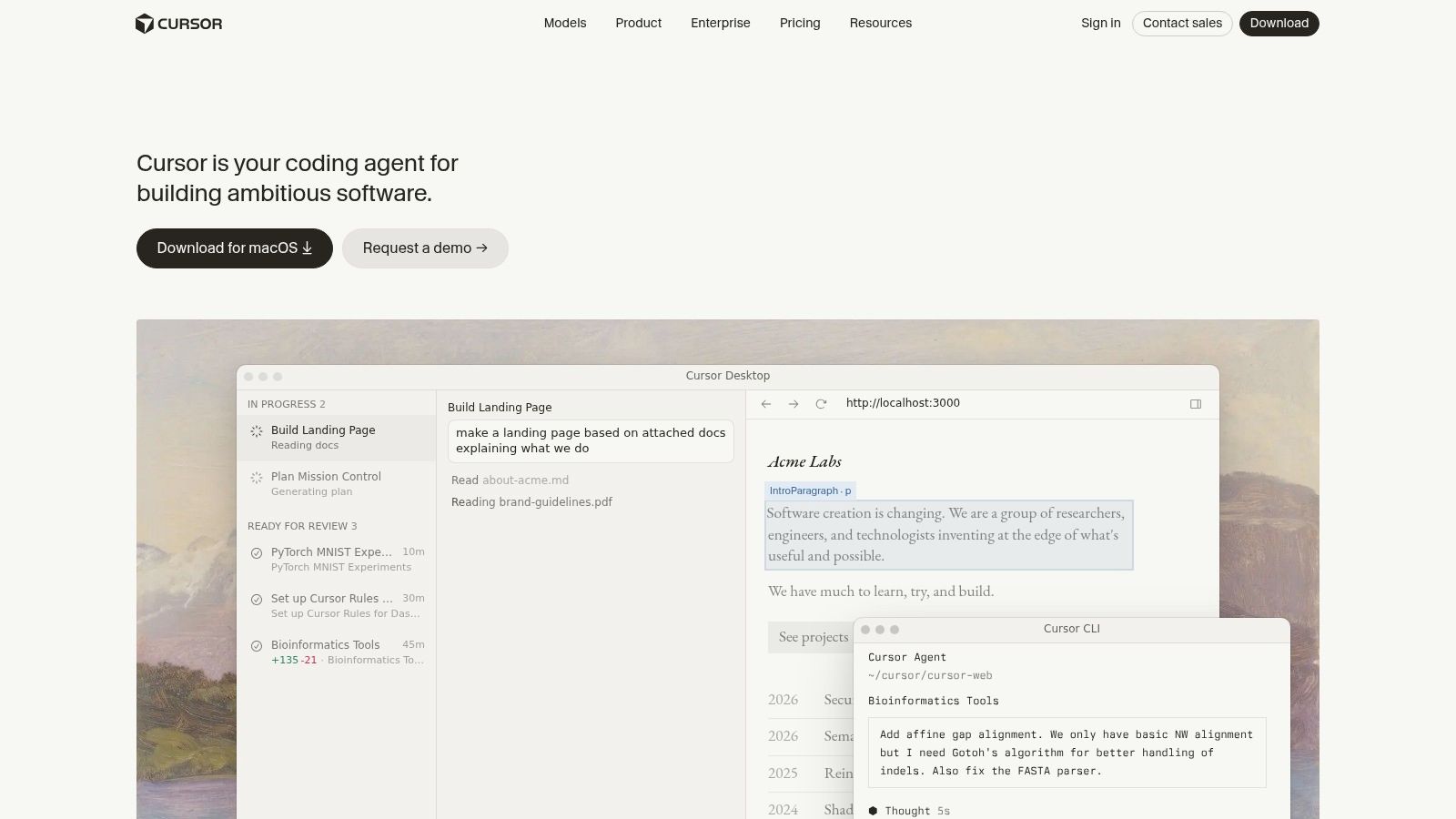
**Layer: AI-focused editor.** Say you're changing an API response and need to update the handler, client types, components, and tests. [Cursor](https://cursor.com) keeps prompting, multi-file editing, and diff inspection inside the editor, which suits work requiring frequent developer intervention.
Its value is the short path between an instruction and an inspectable patch. Select the relevant implementation, identify the expected behavior, and review changes before expanding scope. Asking for a repository-wide cleanup invites unrelated edits and makes regression review harder.
### Measure completed work, not generated code
In a [METR randomized study](https://metr.org/blog/2025-07-10-early-2025-ai-experienced-os-dev-study/) involving 16 experienced open-source developers working in familiar repositories, participants took 19% longer to complete issues when AI was allowed, primarily using Cursor Pro with Claude models. That result isn't a universal verdict on the editor, but it makes end-to-end task timing more useful than counting accepted suggestions.
> Keep the diff small enough that you can explain every changed behavior without asking the agent to explain it again.
AI usage and limits vary by plan. Cloud agents and automations depend on eligibility, and third-party model usage may be billed separately from the subscription.
The trade-off is a tightly integrated editing loop versus editor migration and usage management. It's a strong fit when a developer remains actively involved, but an editor session doesn't establish ownership across other agents, repositories, or project boards.
## 4. Claude Code
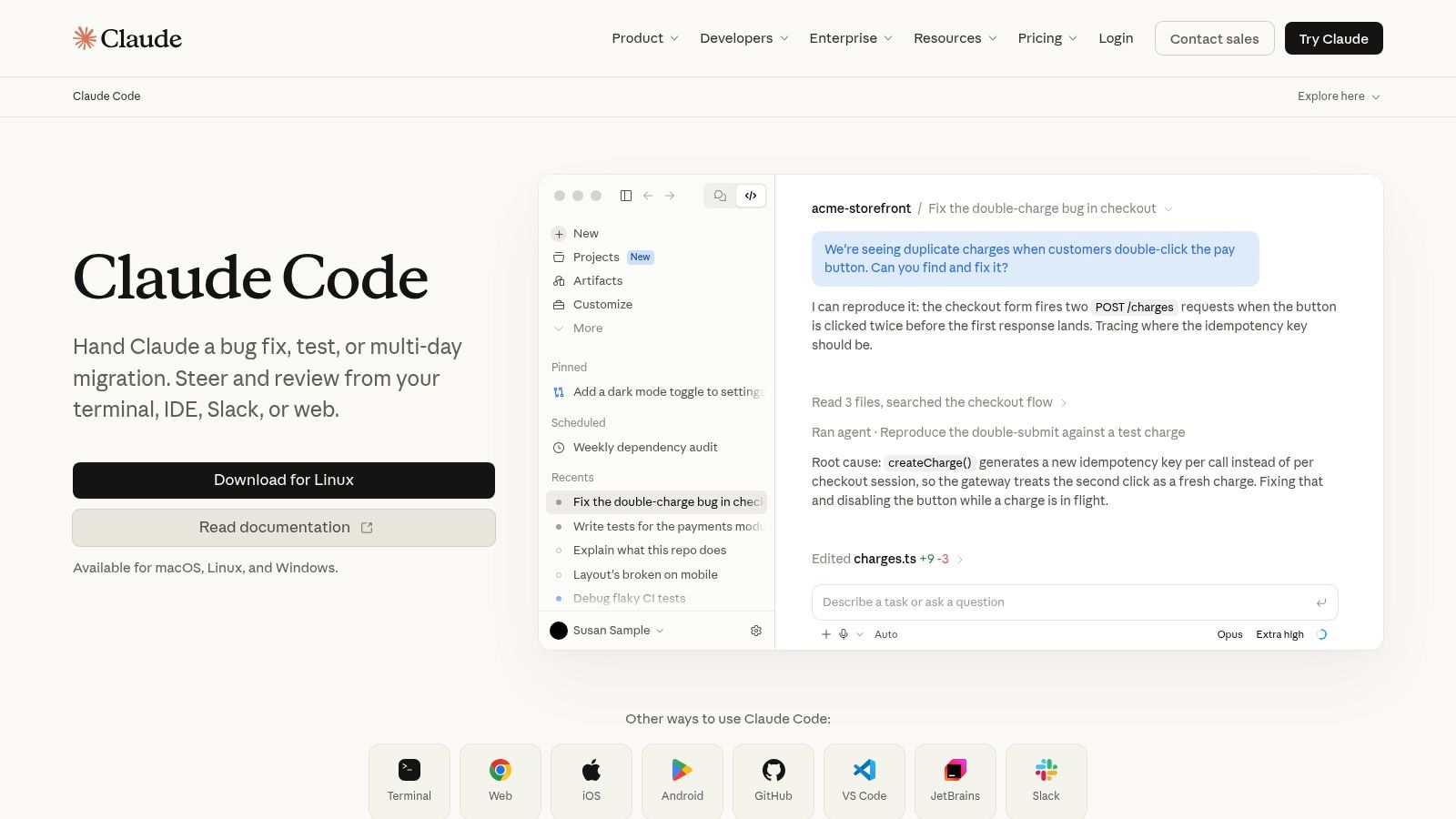
**Layer: Terminal agent.** [Claude Code](https://claude.com/product/claude-code) fits developers who already work through repositories in the shell and want an agent to inspect files, make changes, and run command-line validation. You don't need to move the repository into a replacement IDE.
Give it the same operational instructions you'd give a teammate: the test command, relevant directories, prohibited changes, and the condition that defines completion. A terminal agent can execute a mistaken command as efficiently as a useful one, so keep production credentials and destructive operations outside its normal permissions.
- **For implementation:** Specify the observable behavior and require focused tests before broader validation.
- **For parallel sessions:** Use separate worktrees, identify shared dependencies, and nominate an owner for migrations or generated artifacts.
- **For continuity:** Save decisions and unfinished work somewhere the next session can retrieve, not only in terminal scrollback.
### Subscription access isn't unlimited execution
Eligible paid Claude plans include access subject to plan limits, and subscription usage is shared with other Claude activity. API usage is a separate billing option, so don't assume a subscription covers an API-backed workflow.
The trade-off is command-line flexibility versus permission management and less visual guidance. Developers who prefer inspecting changes in an IDE can still review the resulting diff there.
Use the [Claude Code MCP connection guide](https://projectify.si/blog/connect-claude-code-mcp) when connecting the agent to shared project context. MCP provides access to tools and information; it doesn't itself decide which agent owns a task or whether a change is safe to merge.
## 5. Devin Desktop
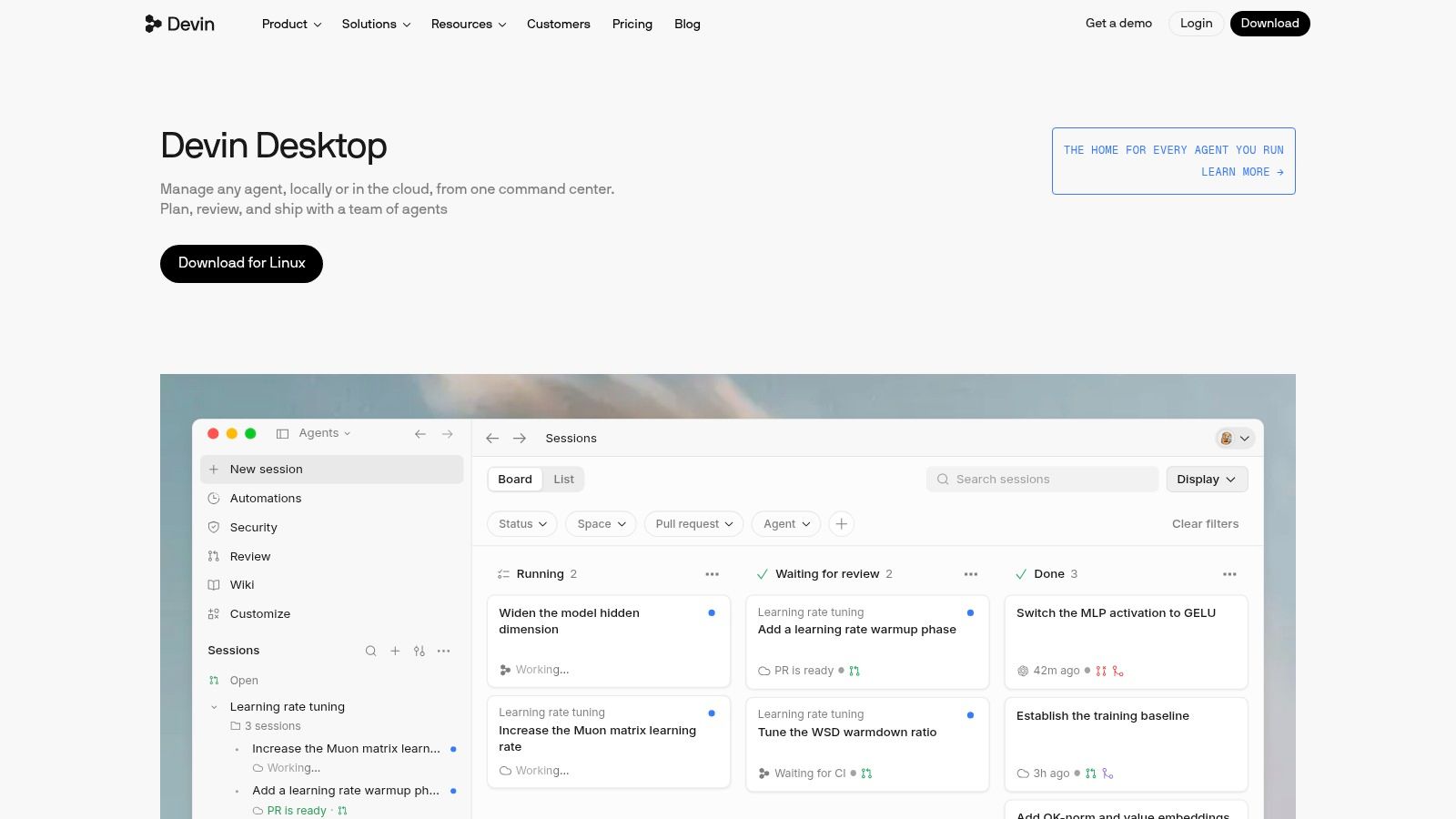
**Layer: IDE and agent command center.** [Devin Desktop](https://devin.ai/desktop) combines an editor built on the Windsurf foundation with planning, delegation, and review tools. It's relevant when managing agent work has become as important as writing code directly.
The distinction from a terminal agent is the surrounding interface. You can keep familiar editor functions, such as syntax highlighting and debugging, alongside agent-management workflows. MCP integrations can extend the tools available to those agents.
### Treat the transition as a rollout dependency
The product's transition from Windsurf affects evaluation. Existing users' plans, settings, and extensions are described as carrying over, but legacy subscriptions and feature availability can differ. Confirm what your actual account includes before making the desktop environment a team standard.
- **Local workflow:** Check that extensions, debugging, and repository commands behave as expected with your project.
- **Cloud delegation:** Verify that delegated work can access the necessary dependencies without receiving unnecessary credentials.
- **Review workflow:** Require a clear patch, validation results, and unresolved questions rather than accepting a completion message.
The trade-off is a combined coding and delegation environment versus transition-related uncertainty. An interface that lists agents neatly doesn't establish whether their changes are compatible.
For broader [AI agent workflow automation](https://projectify.si/blog/ai-agent-workflow-automation), separate orchestration from execution. Decide who assigns work, how blockers surface, and who approves shared changes before adding more workers.
## 6. Replit Agent
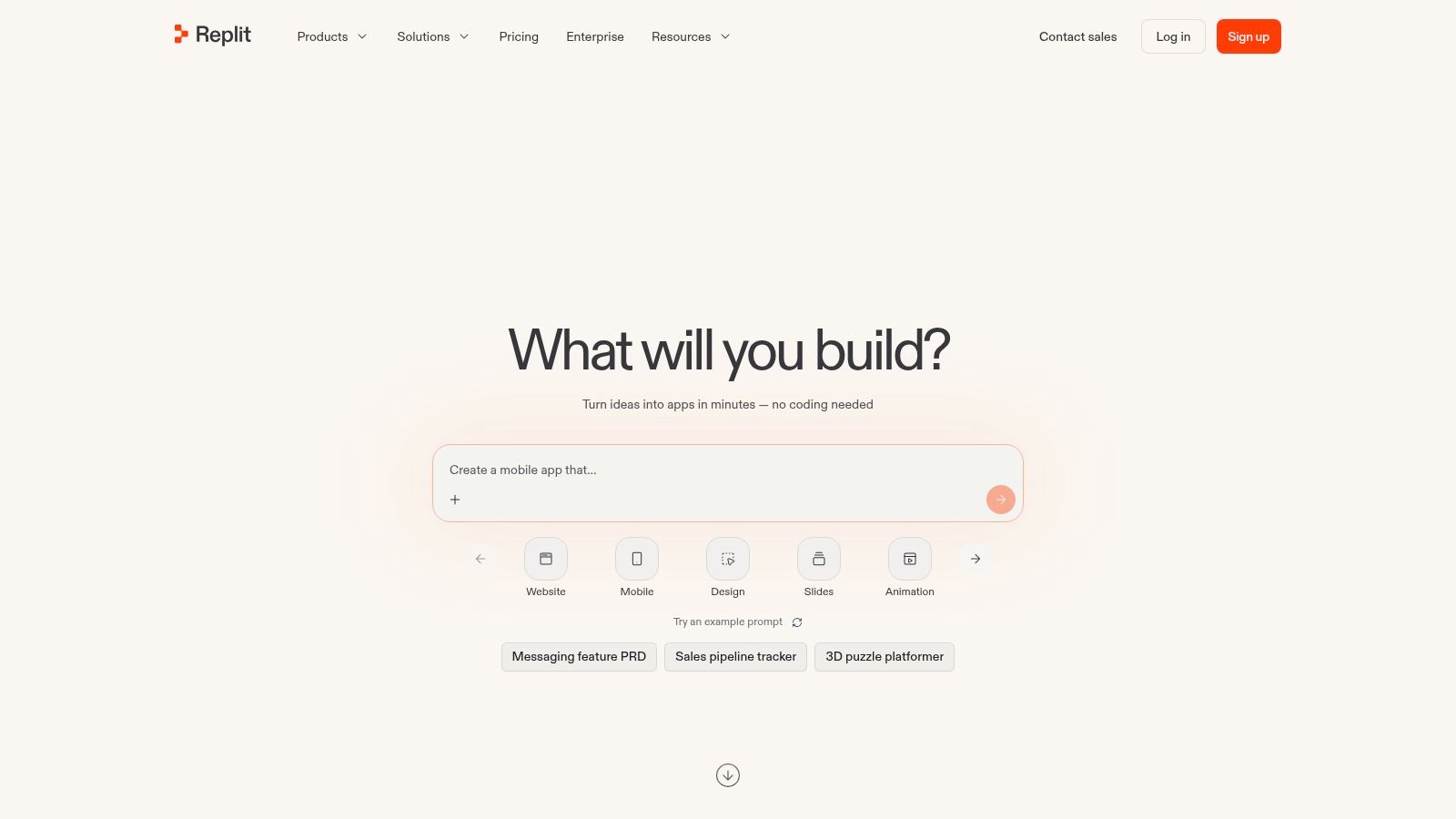
**Layer: Hosted application development.** [Replit Agent](https://replit.com) suits a builder who wants to start in a browser rather than assemble a local development environment. The workspace, agent assistance, and deployment-related tooling sit together, which reduces setup work for a new application.
That convenience is less compelling when your team already depends on custom containers, internal package registries, or local debugging tools. Evaluate the environment against those dependencies before asking an agent to recreate the application around whatever it can access.
### A running preview isn't production acceptance
For a prototype, ask the agent to implement a narrow user journey and make the result inspectable. For a service handling real accounts, review authentication, authorization, secret storage, database changes, and failure behavior separately. A successful browser interaction won't test those boundaries.
- **Usage limits:** Paid plans include allowances, and agent modes for more complex work can affect how much included usage you consume.
- **Deployment fit:** Check runtime requirements, environment variables, persistent storage, and access to external services before committing to the hosted workflow.
- **Portability:** Keep the source, schema changes, and operational instructions understandable outside the browser workspace.
The trade-off is fast access to a complete workspace versus less alignment with established local infrastructure. Agent output remains probabilistic, so budget review time even when the application appears finished.
I'd choose it for an isolated application experiment before choosing it for a service with heavy, tightly woven private infrastructure dependencies.
## 7. OpenAI Codex
**Layer: Delegated coding and repository work.** [OpenAI Codex](https://openai.com/codex/) is an option for developers who already use ChatGPT and want assistance beyond inline suggestions. It supports coding, review, and repository tasks through eligible plans, with desktop access also described in its product offering.
The useful unit of delegation is a change with observable acceptance criteria. Asking an agent to add a missing validation path is easier to evaluate than asking it to improve backend quality. Provide the failing case, relevant commands, and files that should remain untouched.
### Separate access from capacity
Plan inclusion doesn't mean every task consumes the same allowance. Larger changes and longer-running work can use more of the available usage, so test realistic repository tasks rather than estimating cost from short chat interactions.
Codex access and API pricing are separate considerations. If you're building automation around API calls, don't treat your interactive subscription as the budget for that system.
> **Review boundary:** Let an agent prepare the patch and explain its checks. Keep permission to merge, deploy, or change production data separate.
The trade-off is convenient access for existing ChatGPT users versus task-dependent capacity and execution constraints. Confirm that the chosen environment can reproduce your build and tests before judging the generated implementation.
Parallel sessions still need explicit ownership. A delegated worker can produce a clean patch that conflicts conceptually with another worker's clean patch, especially around API contracts and database changes.
## 8. JetBrains AI Assistant
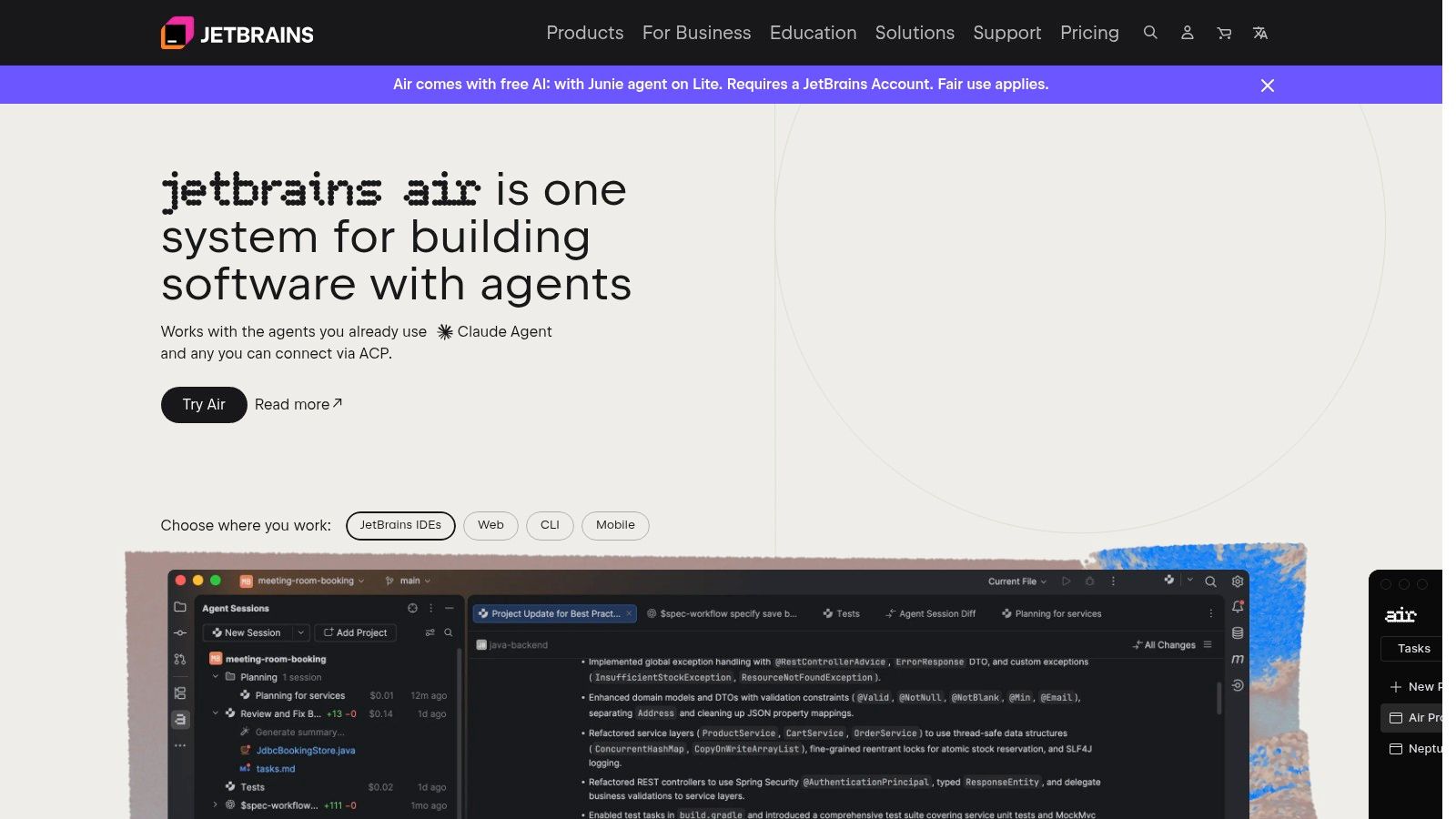
**Layer: Assistance inside an established IDE.** If your developers rely on IntelliJ IDEA or PyCharm, [JetBrains AI Assistant](https://www.jetbrains.com/ai/) avoids making editor migration part of AI adoption. That matters when debugging configurations, navigation, and refactoring tools already support the team's daily work.
Keep deterministic IDE operations and generated suggestions distinct. Use the IDE's symbol-aware refactoring for a mechanical rename, then use AI assistance to draft related tests or explain an unfamiliar implementation. Asking a model to rewrite everything forfeits tools that already understand language structure.
### Credits add another budget
The offering combines models from multiple providers with JetBrains' own completion model. Subscription tiers include AI credits, and top-ups are available when included usage runs out.
- **Good fit:** Developers who want assistance without abandoning their JetBrains setup.
- **Cost constraint:** AI Assistant costs may sit alongside other software subscriptions, and credit consumption affects the value of a plan.
- **Evaluation route:** Free access and trial options can help test compatibility, but a small trial won't establish the cost of sustained agent work.
The trade-off is familiar tooling versus an IDE-centered experience and another usage allowance to manage. Don't switch editors solely to obtain a feature your current IDE can already provide adequately.
It also won't coordinate unrelated sessions by itself. Put task ownership and cross-session decisions in a shared workflow rather than expecting IDE context to serve as the team's project memory.
## 9. Tabnine
**Layer: Governed coding assistance and deployment control.** [Tabnine](https://www.tabnine.com) belongs on the shortlist when the first question is where code gets processed, not which assistant writes the longest patch. Its deployment options include SaaS, VPC, on-premises, and air-gapped configurations.
Those options need a requirements review, not a checkbox comparison. Identify which repositories may be processed, who can enable integrations, what administrators can inspect, and how credentials are managed. Deployment location alone doesn't answer those questions.
### Evaluate the configuration you'll actually buy
Tabnine offers completions and chat in major IDEs, with agentic and terminal capabilities on higher tiers. Team controls address usage, permissions, and visibility, but the capabilities available to your organization depend on the selected offering.
- **Security fit:** Map code processing, retention, network access, and identity controls to your requirements.
- **Commercial fit:** Paid offerings target teams more than casual individual use, and some capabilities require higher tiers or a sales discussion.
- **Operational fit:** For private deployment, establish who owns upgrades, monitoring, and developer support.
The trade-off is deployment flexibility versus procurement and operating complexity. A private installation still needs maintenance, and governance features don't validate the correctness of generated code.
Test a representative restricted repository, including its build dependencies and network rules. An assistant that works well in a public demo may be much less useful when your production development environment blocks external services.
## 10. Augment Code
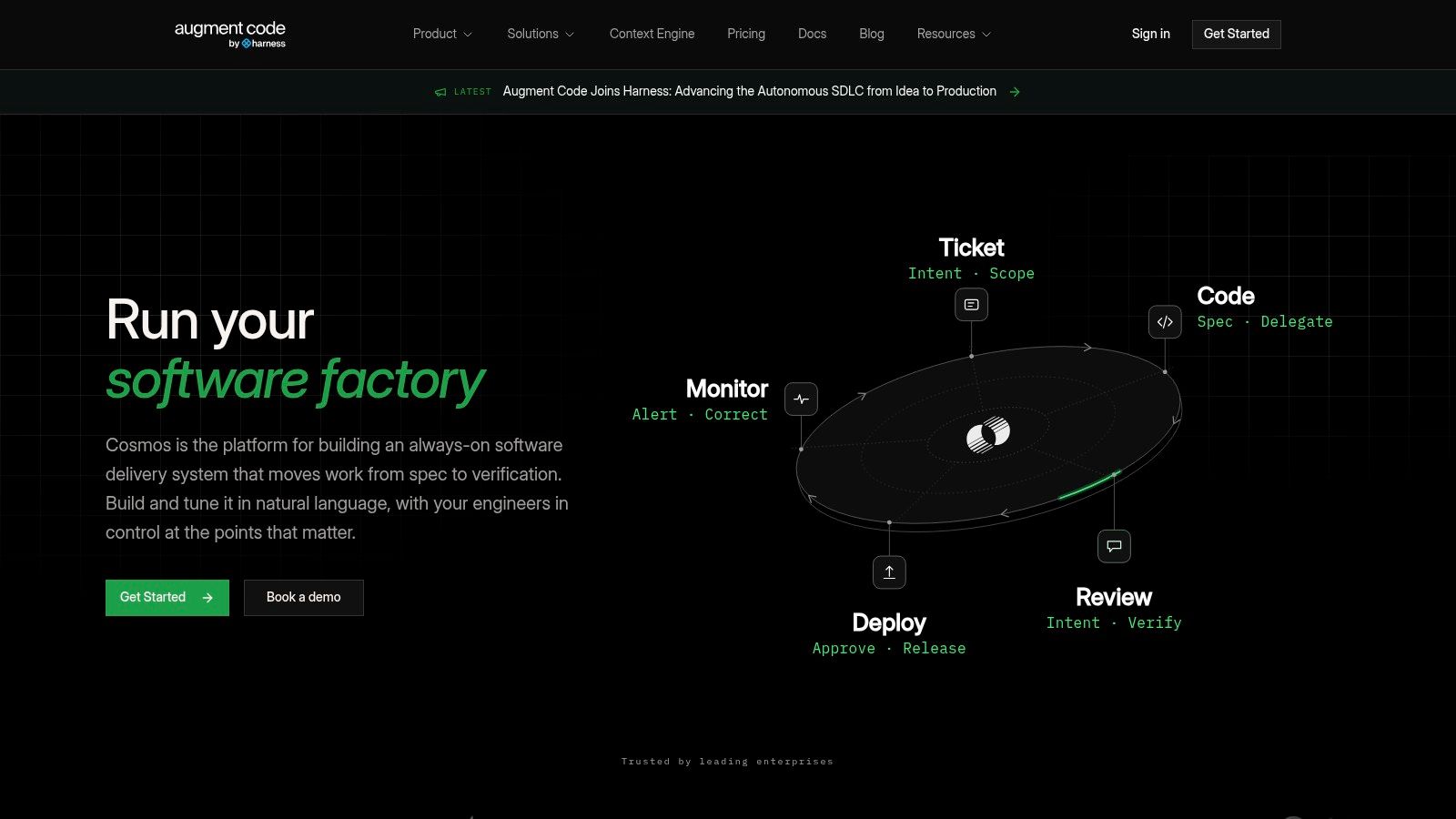
**Layer: Codebase-aware agents and pull request review.** [Augment Code](https://www.augmentcode.com) is relevant when understanding the repository is harder than writing the immediate change. Its context engine, coding agent, CLI, MCP access, and GitHub pull request review cover both implementation and inspection.
For a larger codebase, evaluate it on a change that crosses real boundaries. An account-status update might affect an API, background jobs, authorization, and a generated client. The useful question is whether the agent identifies those relationships without inventing dependencies or widening the patch unnecessarily.
### Context needs a reviewable result
Ask for the files considered, the relevant constraints, and validation that supports the patch. Broader context can help an agent find existing conventions, but it can also produce a larger change than the task requires.
- **Implementation test:** Does the patch reuse the repository's existing abstractions instead of introducing a parallel framework?
- **Review test:** Does pull request review identify behavioral risks and missing tests rather than cosmetic preferences?
- **Budget test:** Does included team usage cover representative work, or will repeated large-context tasks require top-ups?
Team plans include usage allowances, with paid top-ups and enterprise options for heavier requirements. Confirm seat coverage and usage terms for the plan you're evaluating rather than assuming team access means unrestricted execution.
The trade-off is deeper repository context versus consumption and review scope. I'd prioritize it when cross-file understanding is the bottleneck, then keep task ownership elsewhere so multiple agents don't implement competing versions of the same design.
## AI developer tools compared by where they run, free access and best use
The right tool depends on where work gets stuck: inside the editor, in a terminal session, during agent handoffs, or across a shared project. Free access also differs. Some tools include a free plan or trial, while others require an eligible paid plan or limit access.
| Item | Where It Runs | Free Plan | Best For |
|---|---|---|---|
| **Projectify (recommended)** | Shared workspace; connects to Claude tools and MCP clients | Free for one person, with every feature included | Teams coordinating people and AI agents |
| GitHub Copilot | Supported editors, command line, and GitHub | Free plan available | Developers working in GitHub workflows |
| Cursor | AI-focused code editor | Free plan with limited usage; paid plans offer more usage | Developers handling multi-file changes in an AI editor |
| Claude Code | Terminal and repository | Available through eligible paid Claude plans; API usage is separate | Developers who prefer command-line agent workflows |
| Devin Desktop | Desktop IDE with local and cloud-agent workflows | Free access with limited usage; paid plans offer more | Developers who want an IDE and agent command center |
| Replit Agent | Browser-based Replit environment | Free access with limited usage; paid plans offer more | Builders creating and deploying apps in a hosted workspace |
| OpenAI Codex | ChatGPT plans; desktop app availability described | Access depends on eligible ChatGPT plan | ChatGPT users seeking agent-based coding help |
| JetBrains AI Assistant | JetBrains IDEs | Free access and trial options | Developers working in JetBrains IDEs |
| Tabnine | Major IDEs; SaaS, VPC, on-premises, or air-gapped deployments | Free trial; continued access requires a paid plan | Teams needing deployment flexibility and governance |
| Augment Code | Coding tools, CLI, and MCP integrations | Free plan with limited usage; paid plans offer more | Teams working with complex codebases and codebase-aware assistance |
Editor assistants and terminal agents help produce or inspect code within a repository. Projectify covers a different layer: coordinating people and agents on shared work. Agents connect to the project board over MCP, claim tasks, and leave attributed changes and handoffs. That coordination matters when several sessions run in parallel, a case a single-tool review may not expose. The trade-off is another shared workspace to set up and maintain.
## Match the Tool to the Layer Where Your Work Breaks
Start with the bottleneck, not the feature list. If developers mainly need help completing functions, understanding unfamiliar code, or drafting tests, an editor or IDE assistant may be enough. Switching the whole team to an agent-centered workflow would add process without solving a demonstrated problem.
If the bottleneck is execution, evaluate terminal or delegated agents against your actual repository. They need a reproducible environment, clear acceptance criteria, and permission boundaries. A patch isn't complete because the agent stopped working; it's complete when a reviewer can verify the intended behavior.
### Pilot a complete task
Pilot a tool for a week on real work, including implementation, review, integration, and handoff. Keep the task representative rather than selecting a trivial demonstration or an unusually messy migration. Record where the developer had to intervene and whether the result remained maintainable.
Include review time in that evaluation. In [Stack Overflow's 2025 AI survey](https://survey.stackoverflow.co/2025/ai), 45% of developers said debugging AI-generated code can take more time than writing the code themselves. Fast generation is useful only when the team can validate and integrate the result without disproportionate repair work.
- **Check execution:** Can the agent install dependencies, run the required tests, and report failures truthfully?
- **Check consumption:** Does your plan cover sustained work, including retries, review, and the other AI activity your developers already perform?
- **Check recovery:** Can someone stop a session, inspect its changes, revert safely, and resume from a useful handoff?
When agents keep colliding or starting cold, another coding assistant usually isn't the missing piece. You need shared ownership, durable decisions, and a queue that distinguishes ready work from blocked work. Use separate worktrees for isolation and explicit dependencies for shared contracts.
### Scale the review process with the workers
Adding agents increases the number of proposed changes, not necessarily the team's capacity to approve them. Keep migrations, authorization changes, shared interfaces, and production operations behind clear review gates. Otherwise, developers become full-time dispatchers and merge-conflict resolvers.
For client work, preserve the board the client already uses rather than introducing duplicate reporting. Connect the team's board in a minute, establish a useful handoff, and verify that updates and conflicts appear where people expect them before scaling up.
The best combination of AI tools for developers usually covers distinct needs: an editing environment, an execution agent where useful, an independent review path, and coordination when work becomes parallel. Buy the missing layer, not another overlapping interface.
---
Projectify gives people and AI agents a shared task queue, claims, briefings, and attributed handoffs, with connections to existing client boards. Visit [Projectify](https://projectify.si) to connect your coding workflow and keep parallel sessions accountable before adding more agents.