7 Best Task Management Software in 2026: Ranked by Fit
Two people open the same project board before lunch. By the afternoon, three AI agents have touched the login flow, one reviewer is waiting on copy, and nobody can say which task is finished, which one is blocked, or who changed what. That's the reality behind the best task management software question now, because the right tool has to track people and agents without losing accountability. This list ranks seven tools by fit, not just features, and each entry includes practical pricing and agent-readiness notes so you can compare them the way a working team does.
1. Projectify
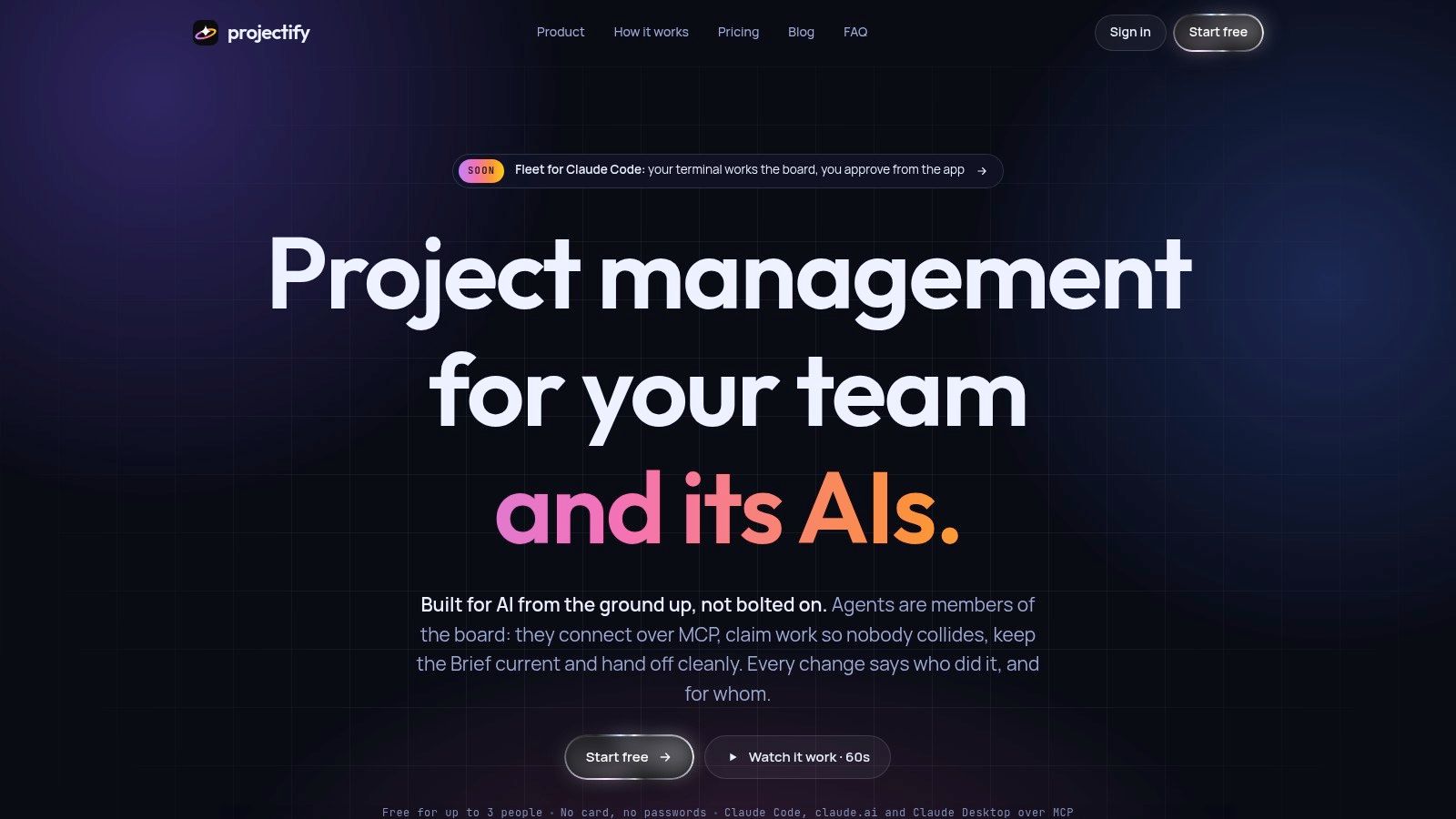
Projectify is the clearest fit if your board has both humans and AI agents on it. It's built around attribution, so every change stays tied to a person and, when relevant, to their agent. For teams running Claude Code, claude.ai, Claude Desktop, or other MCP-compatible clients, that's a real operational advantage, not a novelty.
The coordination model is the main reason it ranks first. Claims act like a lease on a task, Start next hands out the highest-ranked unblocked item, and briefings, project rules, decisions, and handoffs keep sessions from starting cold. That matters when several sessions are active at once and two agents might otherwise grab the same work. The project's own description of agentic project management explains the logic behind that design, and the Projectify guide to agentic project management is worth reading if you're comparing human-only boards with agent-aware ones.
Why it fits the work pattern
Projectify also covers the practical stuff a team needs to stay moving. There's a Needs you inbox for approvals, project chat rooms, an activity feed, an Orchestrator that looks across projects, and a versioned Project Drive. The site also lists Figma design review, two-way sync with Trello and Azure DevOps, and self-hosting with Docker Compose and Postgres.
Practical rule: if your team asks, “Who owns this now, and what did the agent already do?”, Projectify is built to answer that directly.
Pricing is unusually friendly for small teams, since it's free for up to 3 people and agents don't count as seats. The site also lists a $39 one-time early-access plan for up to 10 people and a $29-per-year plan for up to 20 people, with enterprise options available by contacting the company. That makes it a strong fit for small engineering teams, agencies, and solo builders who work with several agents but don't want to pay per bot.
Pros: Built for people and agents working together, strong attribution, collision control, and shared queueing.
Cons: Best fit is teams already using AI agents, especially Claude, and some pricing is still early-access.
Website: Projectify
2. Asana
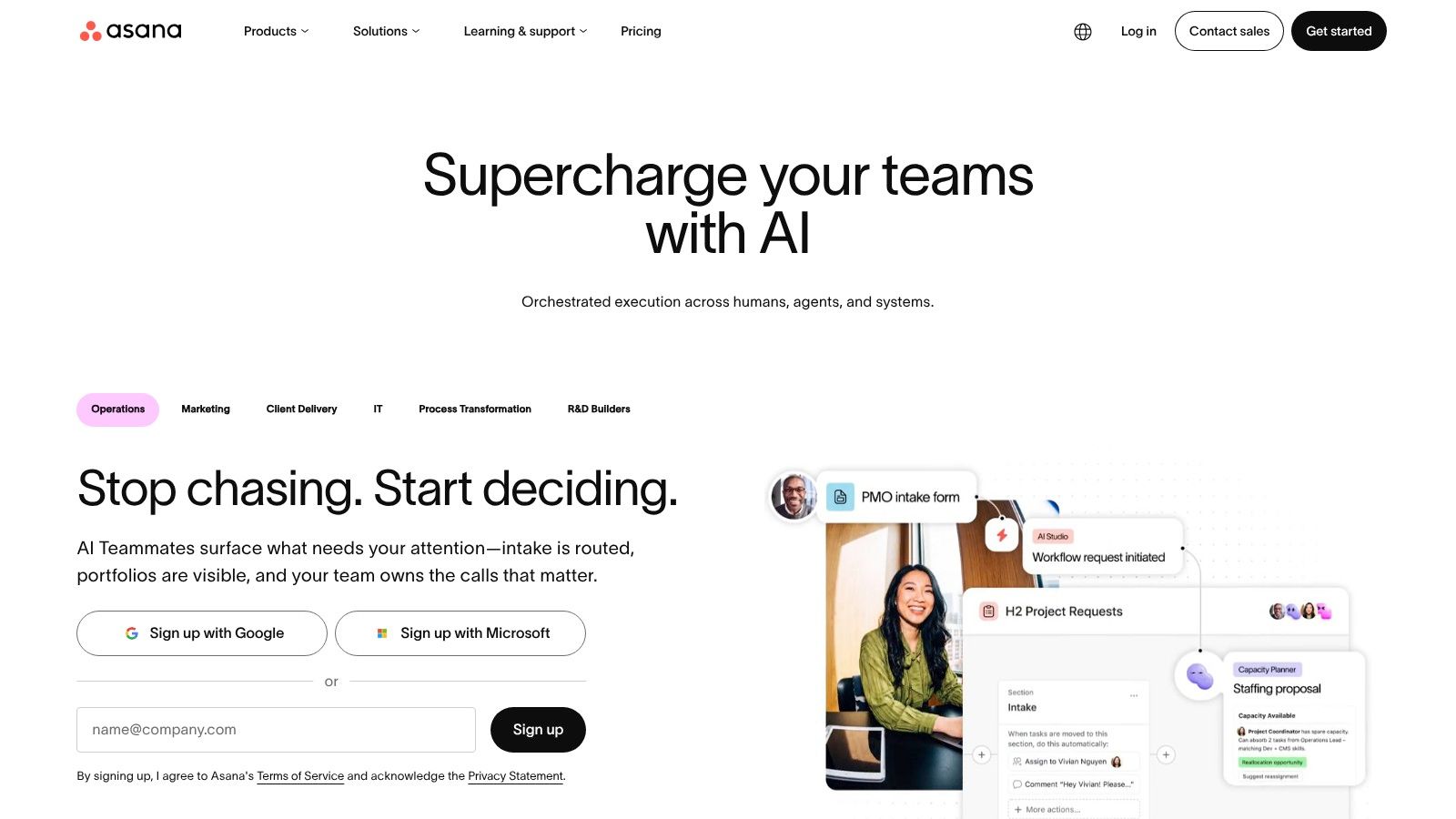
Asana is the safer pick for teams that need broad coordination across functions. It gives you List, Board, Timeline, Calendar, and Gantt views, plus workload planning, automation, integrations, portfolios, and program tracking. That makes it easier to move from a personal to-do list to a cross-functional operating system without changing tools every quarter.
The strongest reason to choose it is planning clarity. The workload and capacity layer helps managers see where work is overloaded, and the portfolio view is useful when a team is juggling several initiatives at once. If your real problem is not “where do tasks live?” but “who is overcommitted and what slips next?”, Asana handles that better than lightweight board tools.
Agent-readiness is mixed. Asana can support structured workflows, but it isn't built around AI agents sharing the same task lease, briefing context, or handoff trail. That means it works well for human teams using automation, but it's less convincing when multiple agents are updating the same project in parallel.
Pricing also pushes it toward established teams. Some advanced features, including Workload, aren't on the free plan, and paid tiers don't offer a single-user subscription option. For a team that wants a polished planning layer and doesn't mind paying per seat, it's still one of the most dependable choices.
Pros: Flexible interface, strong resource and capacity planning, and broad integrations.
Cons: Advanced planning features sit behind paid tiers, and it's not built for agent coordination.
Website: Asana
3. ClickUp
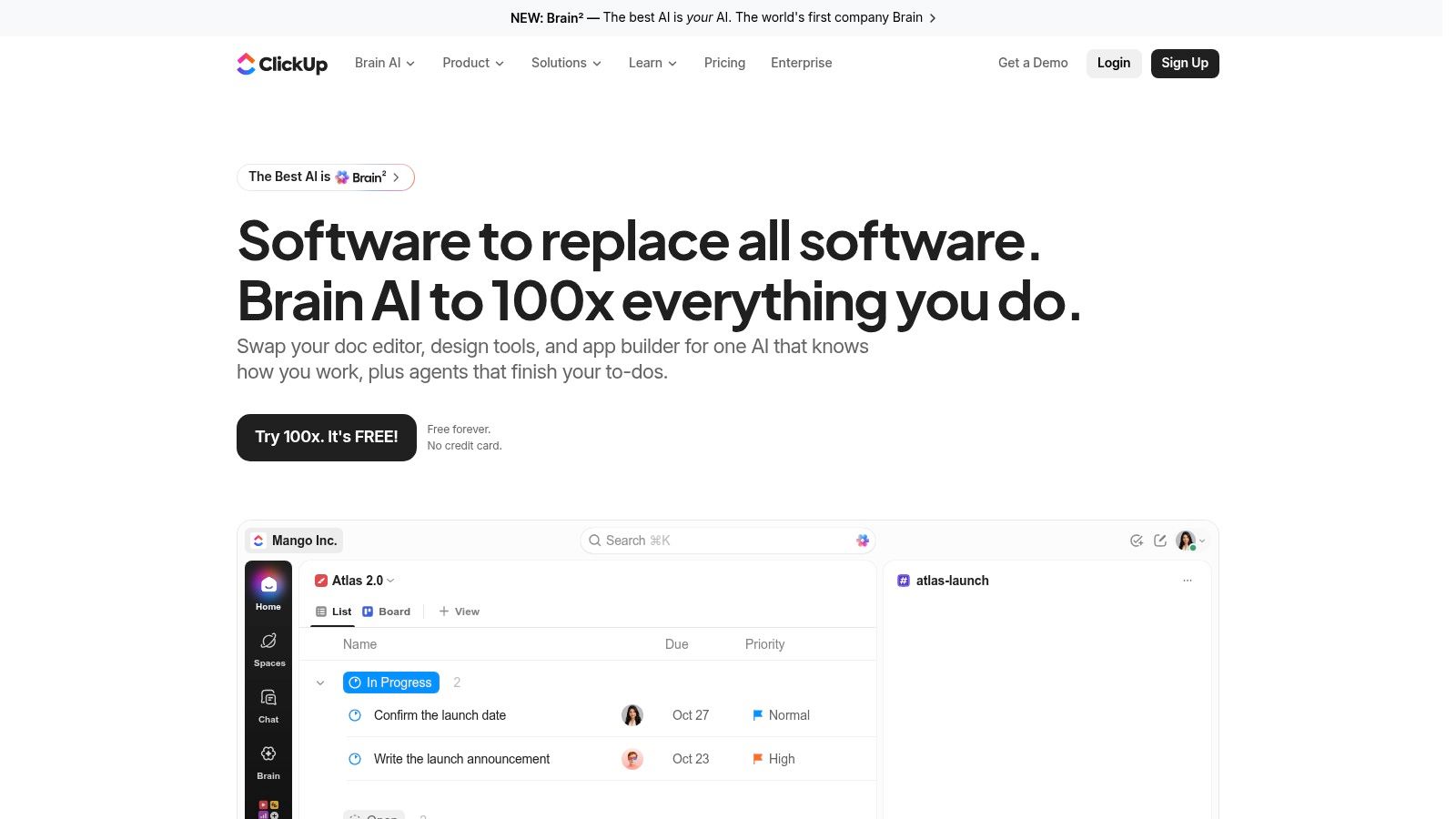
ClickUp is the “we want one tool for everything” option. It combines tasks with docs, wikis, whiteboards, dashboards, goals, chat, time tracking, and automations, so teams can centralize a lot of work in one place. That breadth is attractive when a startup wants fewer subscriptions and one shared system of record.
The upside is obvious once a team starts connecting work to context. Tasks can carry custom statuses, fields, dependencies, and relationships, while Docs and Whiteboards sit next to the work itself. Dashboards help with reporting, and views like List, Board, Gantt, Calendar, and Timeline give different teams their preferred lens on the same work.
The trade-off is that breadth often turns into weight. ClickUp can feel complex for new users, and large workspaces can become slow enough that people stop trusting the interface. That's a real problem in busy teams, because a task manager only helps if people open it quickly and update it often. It's better for organizations that can tolerate setup time and ongoing admin than for teams that want a light board and immediate clarity.
Pricing is usually attractive relative to the amount of surface area you get, but the practical test is whether your team will use most of it. Agent-readiness is decent for structured work, yet it still behaves more like a broad workspace than a coordination protocol for people and agents sharing live tasks.
Pros: Huge feature range, strong customization, and lots of ways to visualize work.
Cons: Can feel heavy, and performance issues in large workspaces can frustrate teams.
Website: ClickUp
4. monday.com Work Management
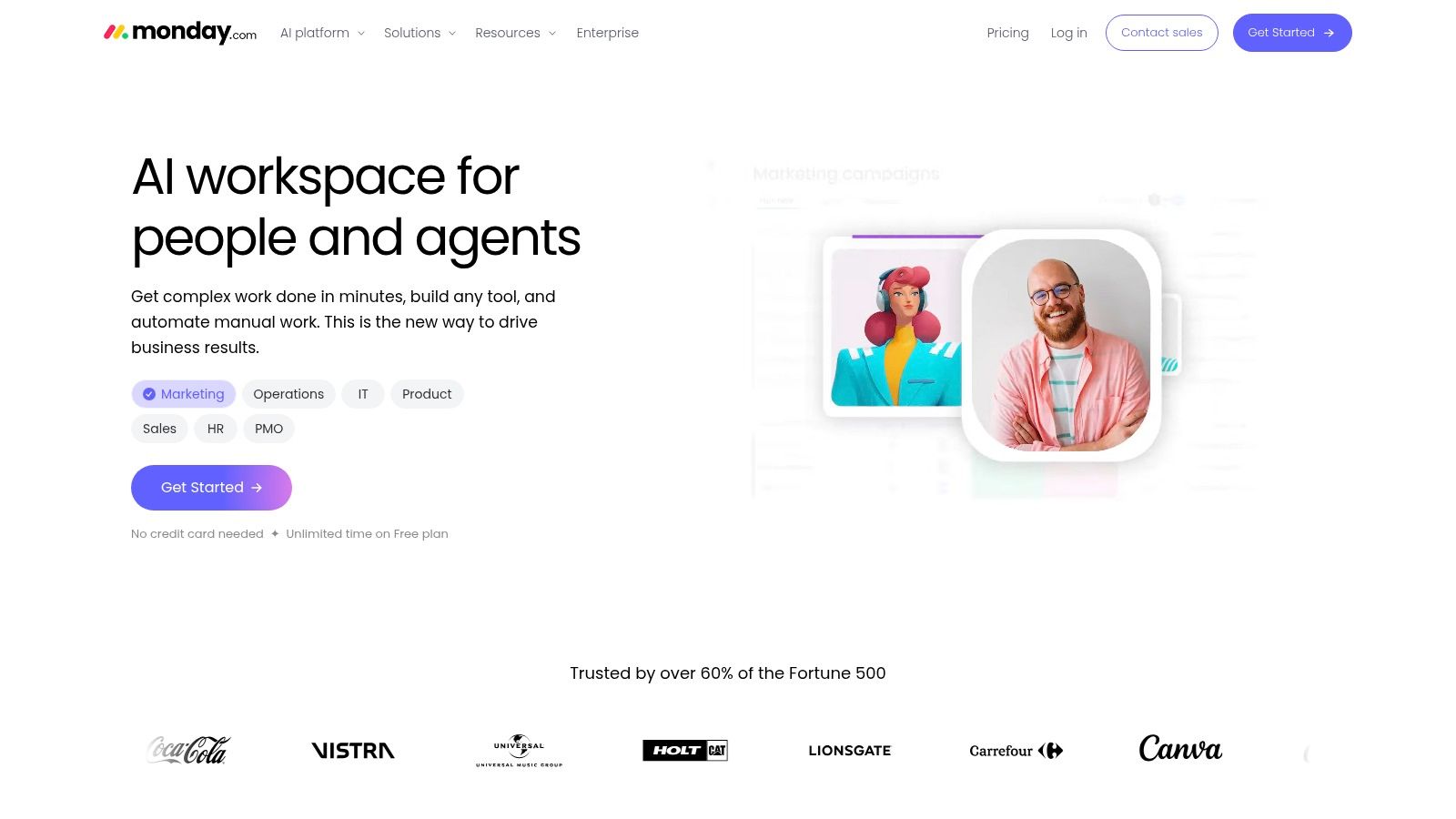
monday.com Work Management works well when the team thinks visually and likes repeating processes. Its boards, columns, views, automations, and integrations make it easy to spin up a workflow that people understand quickly. It also sits inside a broader product family that includes CRM and Dev, which can help standardize how different departments work.
The setup speed is a major plus. Templates and a board-first interface make it easy to get started without a long training period, and the platform scales from personal tasking into cross-team processes. That's useful for operations, marketing, client services, and other teams that need clear status flow more than deep agile mechanics.
Pricing can be the downside. Paid plans are billed per seat, so costs rise as the team grows, and add-ons can make the final bill harder to predict. That makes monday.com a solid fit for teams that want polish and visibility, but less appealing for groups trying to keep collaboration costs tight.
Agent readiness and board fit
For AI-assisted work, monday.com is usable but not specialized. It can handle structured handoffs and visible states, yet it doesn't center the same person-plus-agent accountability model that Projectify does. If your team's agents are mostly helping with updates and summaries, it can be enough. If they are actively producing and moving work, you'll want stricter controls.
The Projectify integration for monday.com is relevant if you're trying to keep a client or internal process on monday while a smaller execution team works elsewhere. That sort of bridge matters when one board has to remain familiar for stakeholders, but the work needs tighter coordination.
Pros: Fast setup, visual workflows, and a familiar board model across departments.
Cons: Pricing can climb quickly, and it's not built around agent attribution.
Website: monday.com Work Management
5. Jira Software
Jira Software is still the default for many engineering teams because it handles real delivery complexity. Scrum and Kanban boards, backlogs, epics, releases, reports, configurable workflows, permissions, and notifications give teams enough structure to model how software moves from idea to shipping.
That depth is valuable when your team needs more than a task list. Jira is strong at mapping work into stages, controlling who can change what, and giving engineering managers the reporting they need. It also sits inside the Atlassian ecosystem and offers both cloud and self-managed deployment options, which matters in organizations with stricter infrastructure preferences.
The cost is administrative overhead. Jira can become hard to administer as the organization grows, and configuration work often piles up over time. If a team doesn't have someone willing to maintain workflows, fields, permissions, and board settings, Jira can start to feel like process for process's sake.
Agent-readiness is functional rather than native. Jira can track work that agents touch, but it isn't designed to make agent identity, safe task claims, or session handoffs the core of the workflow. That's fine for traditional engineering governance, but not ideal if your board now has multiple AI workers alongside people.
Pros: Deep agile support, extensibility, and broad adoption in engineering organizations.
Cons: Admin complexity grows fast, especially across larger deployments.
Website: Jira Software
6. Trello
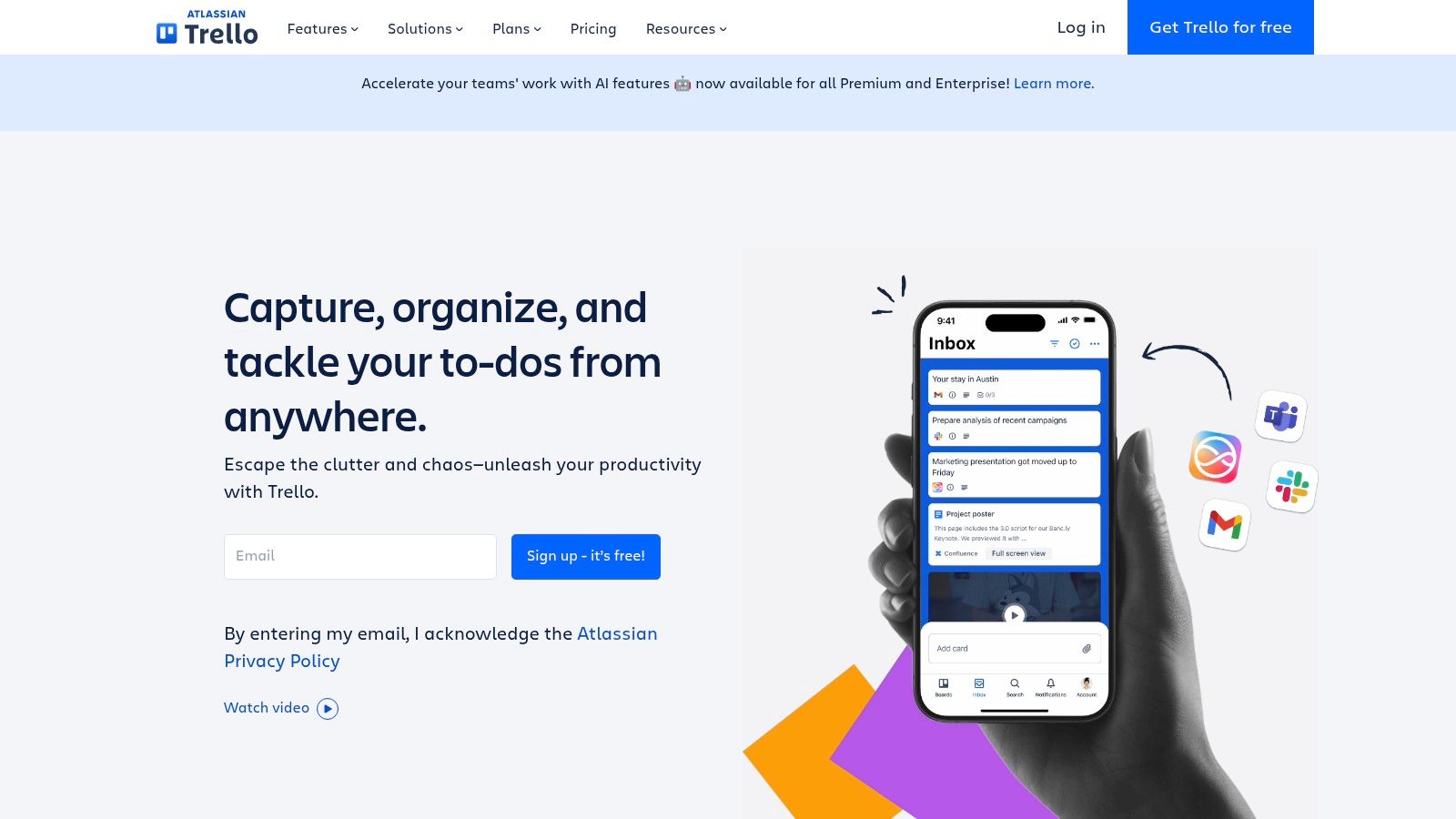
Trello is still one of the easiest tools to adopt because the model is so simple: boards, lists, cards, attachments, checklists, due dates, and comments. That makes it a strong fit for small teams that need a visual way to move work from one stage to another without much training.
Its strength is speed. A team can stand up a board in minutes, and people generally understand the card-and-column pattern without explanation. Butler automation helps once the workflow matures, and Power-Ups can add depth when a simple board isn't enough anymore.
The trade-off is obvious. Trello is best for straightforward processes, not advanced agile planning. Teams that need story points, velocity charts, or more elaborate delivery controls usually end up adding tools or moving elsewhere. For simple editorial pipelines, launch checklists, or lightweight client work, it's often enough.
Agent-readiness is limited in the same way the rest of Trello is limited. It can hold tasks that AI agents touch, but it does not coordinate claims, context handoffs, or attributable changes. If you need a clean board for humans and a few automations, it works. If you need a board where agents can safely share execution with people, it will feel thin.
The Projectify integration for Trello is useful if you want to keep Trello as the client-facing board while a more controlled execution layer handles the actual work.
Pros: Very easy to learn, fast setup, and simple visual task flow.
Cons: Light on advanced workflow controls, and not built for AI-agent coordination.
Website: Trello
7. Linear
Linear is the cleanest choice for product and engineering teams that care about speed. Its keyboard-first interface, issues, cycles, projects, roadmaps, team pages, triage workflows, and GitHub and GitLab integrations make it feel built for people who spend their day moving between code and planning.
The reason teams like it is simple: it stays out of the way. Linear needs less configuration than heavyweight trackers, and the experience stays fast even as projects stack up. That makes it especially good for teams that want crisp issue tracking without the admin burden that comes with more traditional tools.
The downside is its opinionated model. Linear is less customizable than legacy trackers, and it's not a great fit for non-engineering teams or workflows that need a lot of bespoke fields, unusual approval stages, or client-facing flexibility. If your team is mostly shipping software, that trade-off is fine. If your work crosses many departments, it can feel too narrow.
Agent-readiness is solid for developer workflows, but not specialized for multi-agent collaboration. It's strong when the team wants speed and structure, weaker when the requirement is human-agent accountability, claim control, and preserved handoffs.
Pros: Fast, efficient, and very strong for engineering teams that value low-friction issue tracking.
Cons: Opinionated and less adaptable for highly bespoke or cross-functional workflows.
Website: Linear
Best Task Management Software: Top 7 Comparison
| Tool | 🔄 Implementation Complexity | ⚡ Resource Requirements | 📊 Expected Outcomes & ⭐ Key Advantages | 💡 Ideal Use Cases |
|---|---|---|---|---|
| Projectify | Moderate; requires adopting agent-aware workflows | Small teams; MCP-compatible AI clients; agents do not count as seats | ⭐ Coordinates people and AI agents; task claims, shared queue, and persistent context help reduce duplicated work | Teams collaborating with AI agents, especially Claude users |
| Asana | Moderate; multiple views and features support varied workflows | Cross-functional teams; paid plan may be needed for advanced features | ⭐ Flexible task-to-portfolio planning; strong workload and capacity tools | Teams managing day-to-day tasks and larger programs |
| ClickUp | High; extensive features and customization can take time to learn | Teams consolidating multiple work tools; large workspaces may face performance issues | ⭐ Broad feature set, many views, and linked docs, dashboards, and automations | Teams seeking a customizable all-in-one work hub |
| monday.com Work Management | Low to moderate; templates and visual boards support quick setup | Costs may rise with added seats and products | ⭐ Visual workflows, templates, and automations can scale across departments | Teams building customizable processes across functions |
| Jira Software | High; workflows and administration can require substantial configuration | Software teams; cloud or self-managed deployment options | ⭐ Detailed agile planning, reporting, permissions, and Atlassian integrations | Engineering teams needing advanced Scrum or Kanban tracking |
| Trello | Low; simple boards require minimal setup | Small teams; advanced capabilities may require higher tiers or add-ons | ⭐ Easy adoption; Butler adds no-code automation | Small teams with lightweight, visual workflows |
| Linear | Low to moderate; streamlined setup with less customization | Software teams using GitHub or GitLab workflows | ⭐ Fast, keyboard-driven experience with cycles, roadmaps, and developer integrations | Engineering teams prioritizing speed and simplicity |
Shortlist Two Tools and Test Them on Real Work
The best choice depends on who does the work. If the board is mostly human-run, a classic platform like Asana, monday.com, Jira, Trello, ClickUp, or Linear may fit well enough. If AI agents join the board in a meaningful way, the buying question changes, because you need attribution, handoffs, and collision control, not just a nice task list. That's why price per seat often decides the final pick in practice, especially for teams adding more contributors as they grow.
The fastest way to avoid a bad purchase is to shortlist two tools and run each on one live project for two weeks. Use the same work in both, then compare how assignments hold up, how handoffs feel when a task changes hands, and how much friction people hit when they update status or need approval. If agents are involved, watch whether they can work safely without overwriting each other or starting from scratch every session.
Pay attention to the boring details during that trial. Who can see what, who gets blocked, how quickly a reviewer can respond, and what the final seat bill would look like all matter more than demo polish. A tool that looks great in a sales call can still fail if your team avoids using it on a Tuesday afternoon.
If you want a board built for people and AI agents working together, with claims, handoffs, project rules, and attributed activity, start with Projectify. It's designed for the exact coordination problem this article covers, and you can visit Projectify to see how that model fits your team's workflow.
Give your AIs a desk.
One board for your team and Claude. Free for up to 3 people.
Start freeHow it works: claims · Start next · the handoff · pricing