Your files, read for you.
Drop in a contract, a budget or a photo. Projectify reads it and writes down what matters: a plain title, a summary, the key facts and the questions it answers. Then you, your team and your Claude can find it by what it says.
Runs on your own AI key. Files can live in your own bucket.
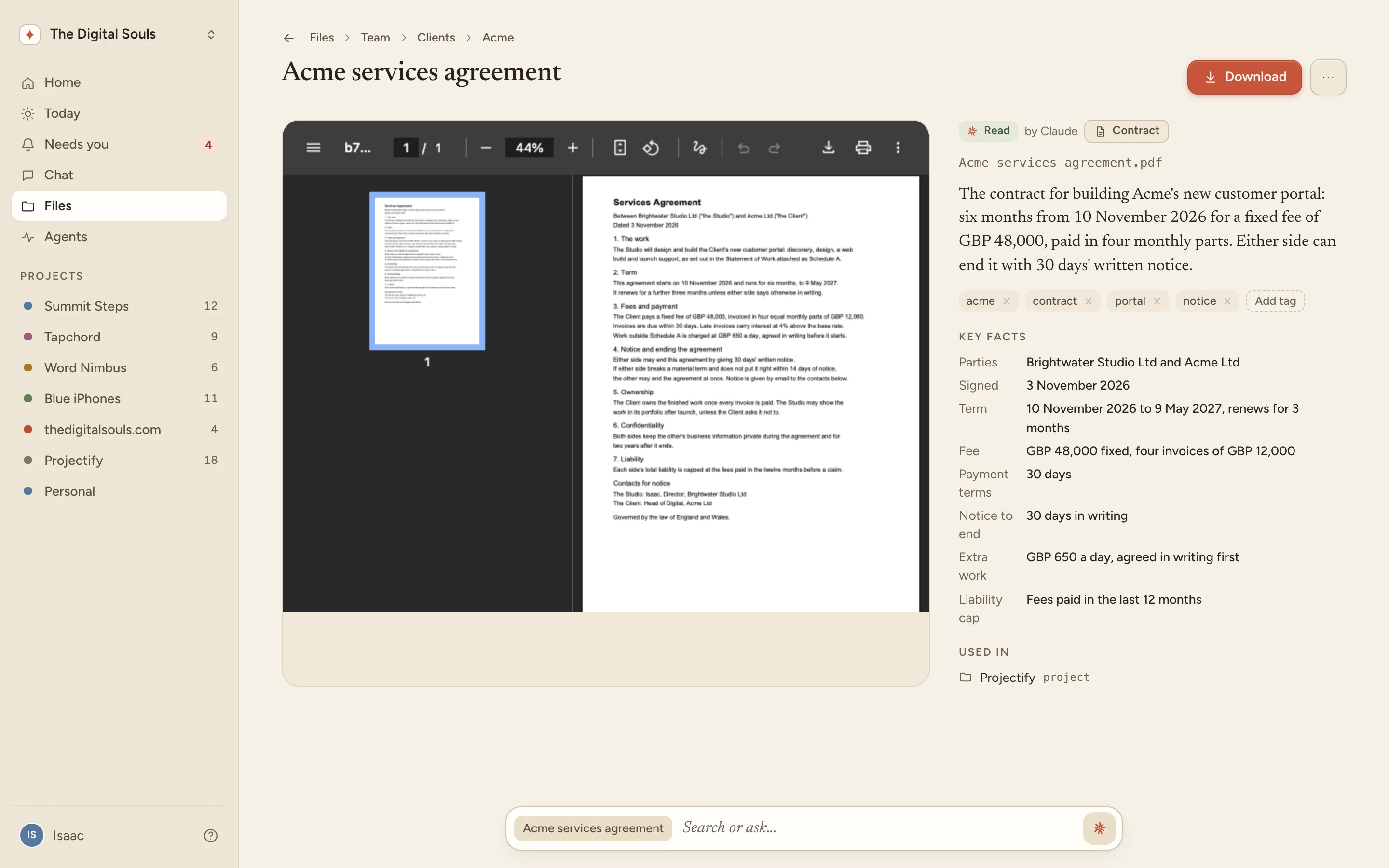
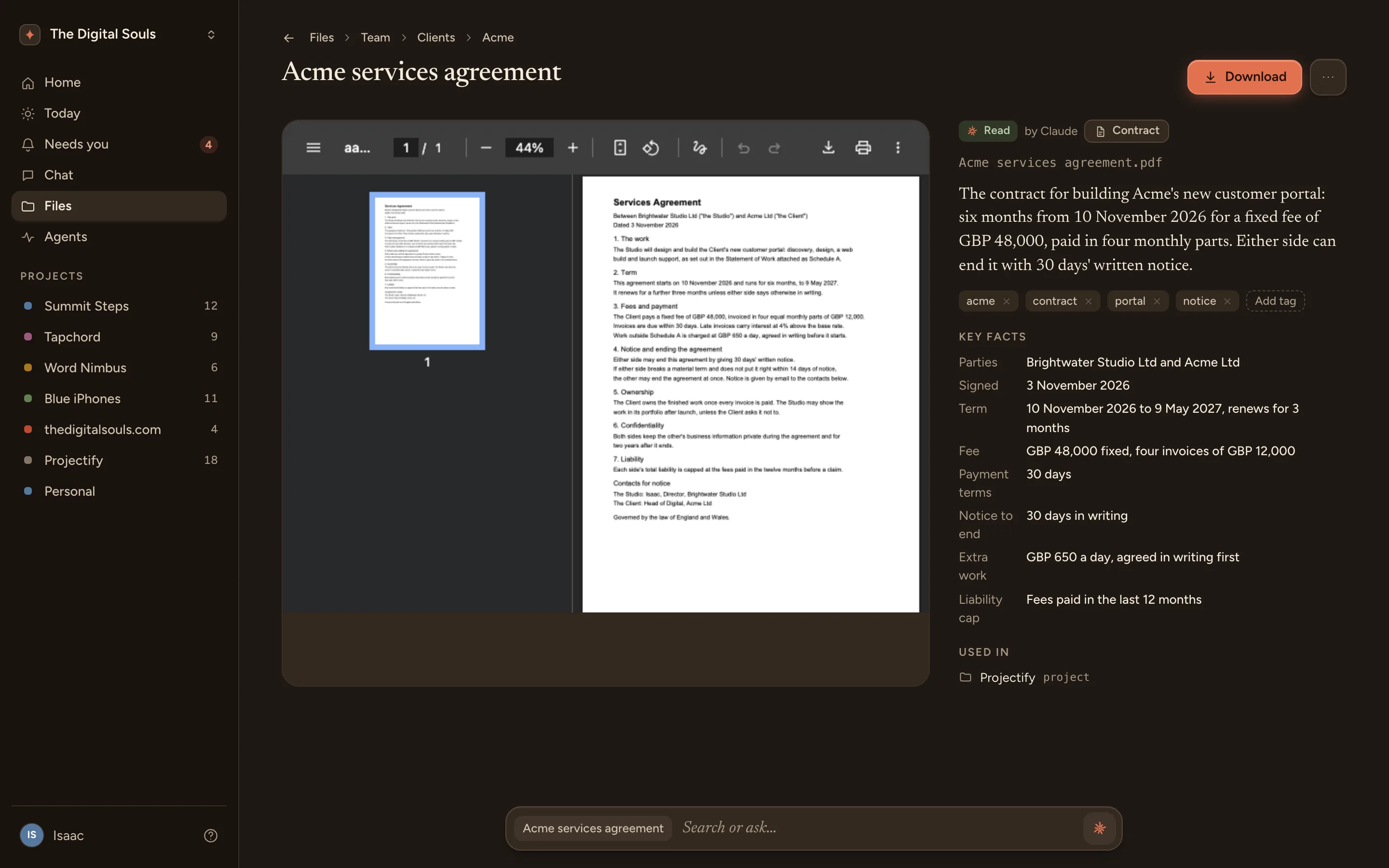
Drop it in, it is read
PDFs, Word and Excel files, slides, pictures, notes. Every file you add is read by AI and written down in plain words, so nobody has to open it to know what it is.
- 1UploadedInto My files, a Team folder or a project
- 2ReadThe text, the tables and the pictures
- 3SummarisedA title, a summary, its type, tags and key facts
- 4SearchableBy its name, what AI wrote and every word inside
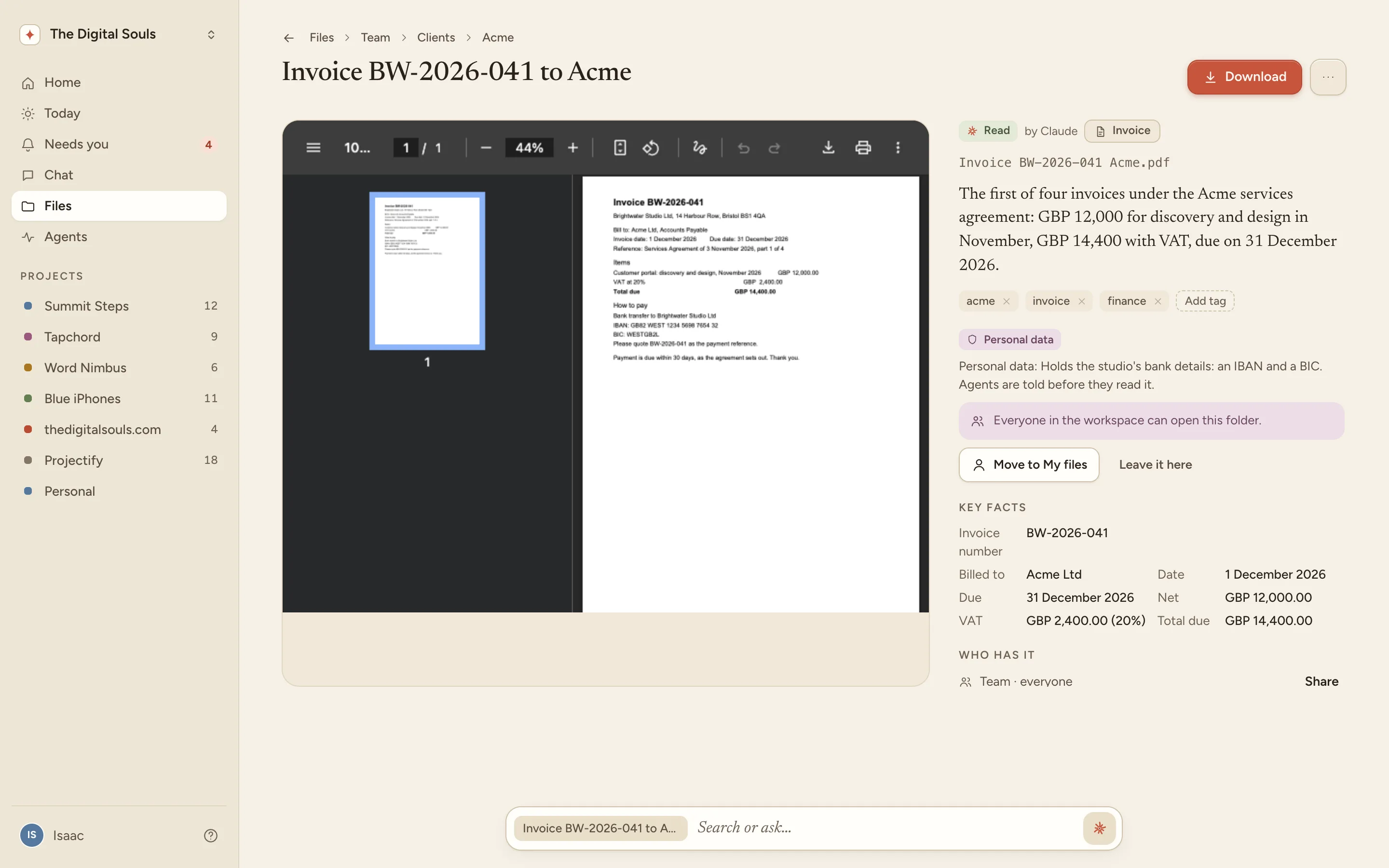
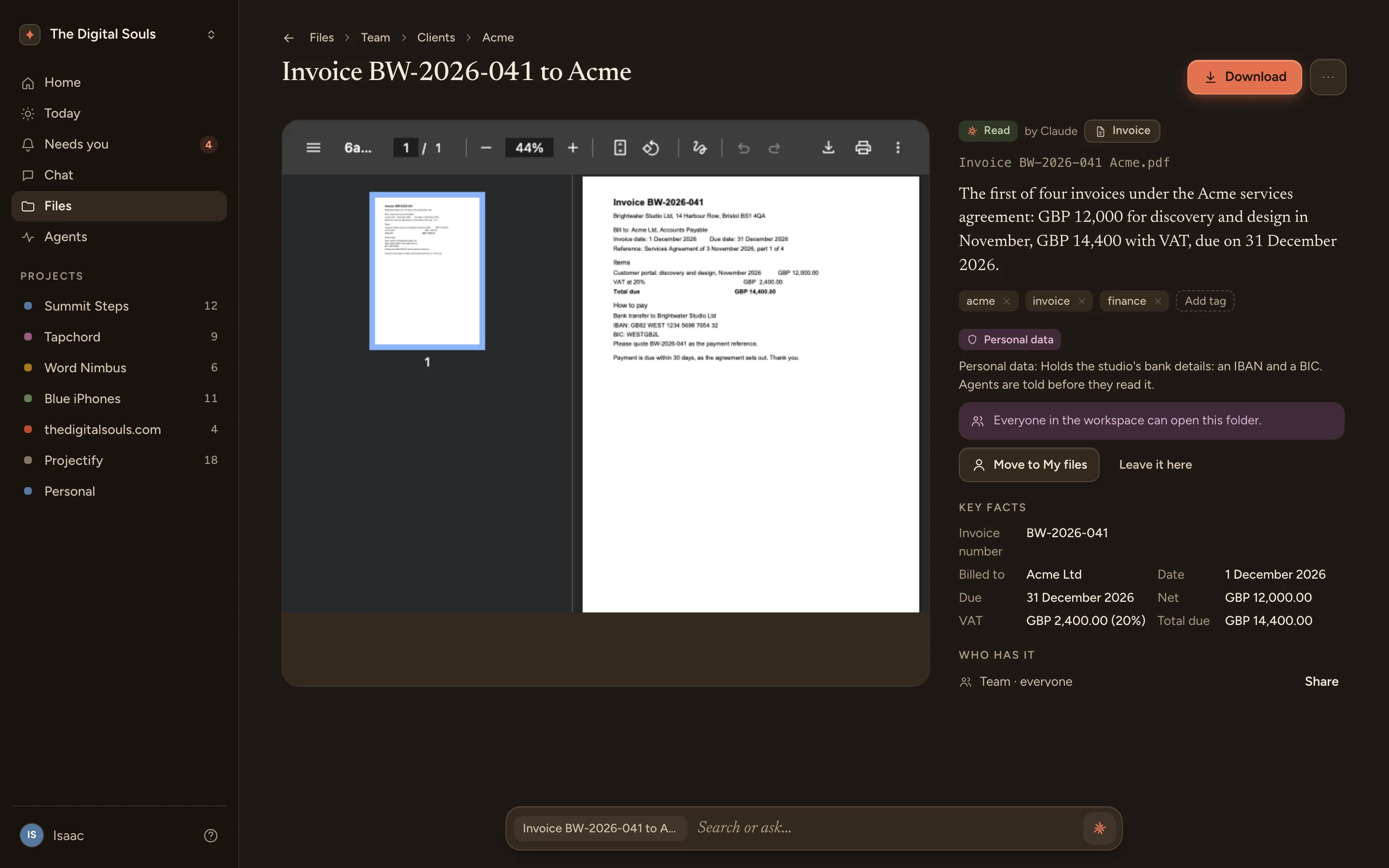
A heads-up when it matters
When a file holds a password, an ID number or bank details, it says so before anyone opens it, and agents are told before they read it. A heads-up in a Team folder offers to move the file to My files.
Search inside
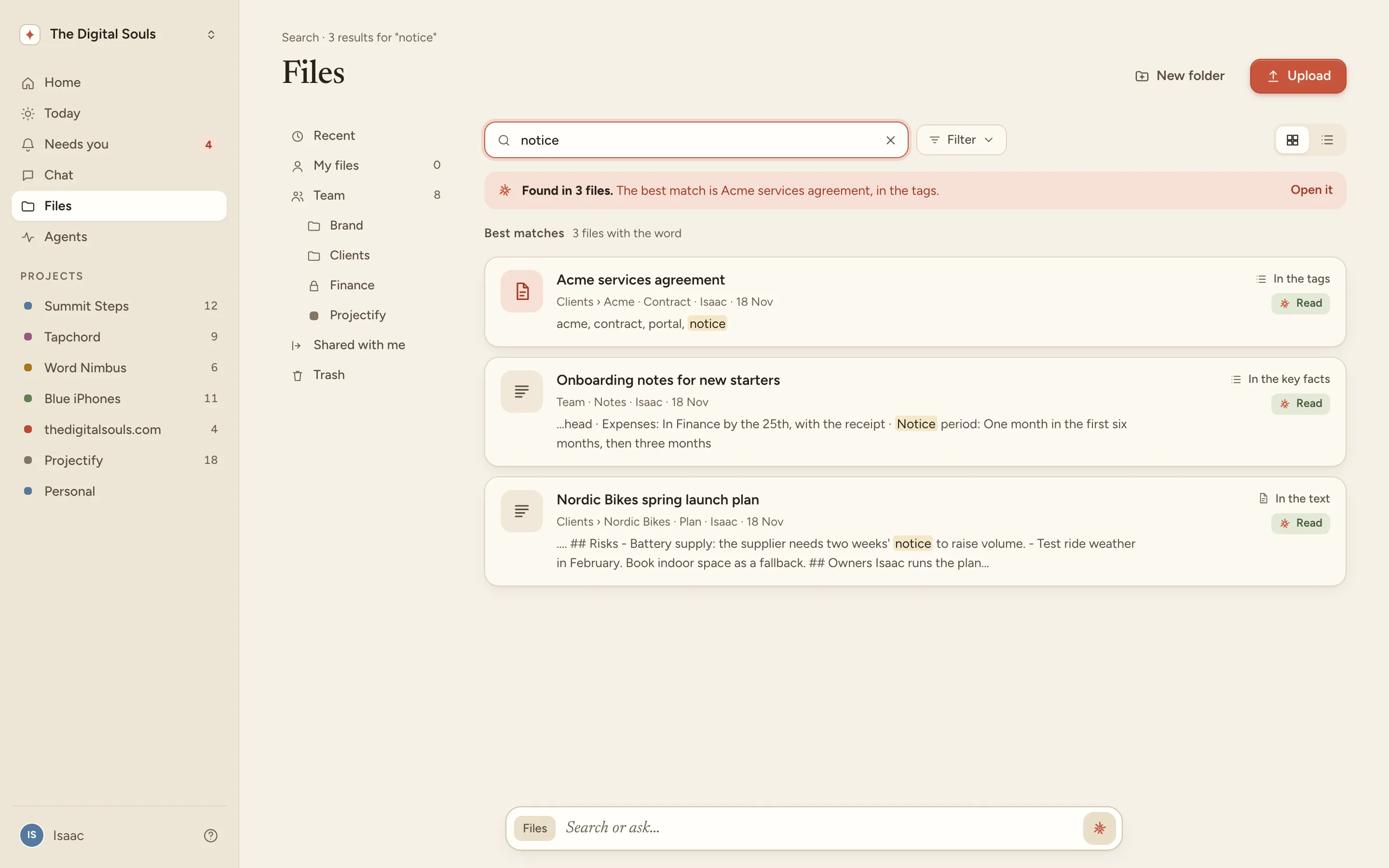
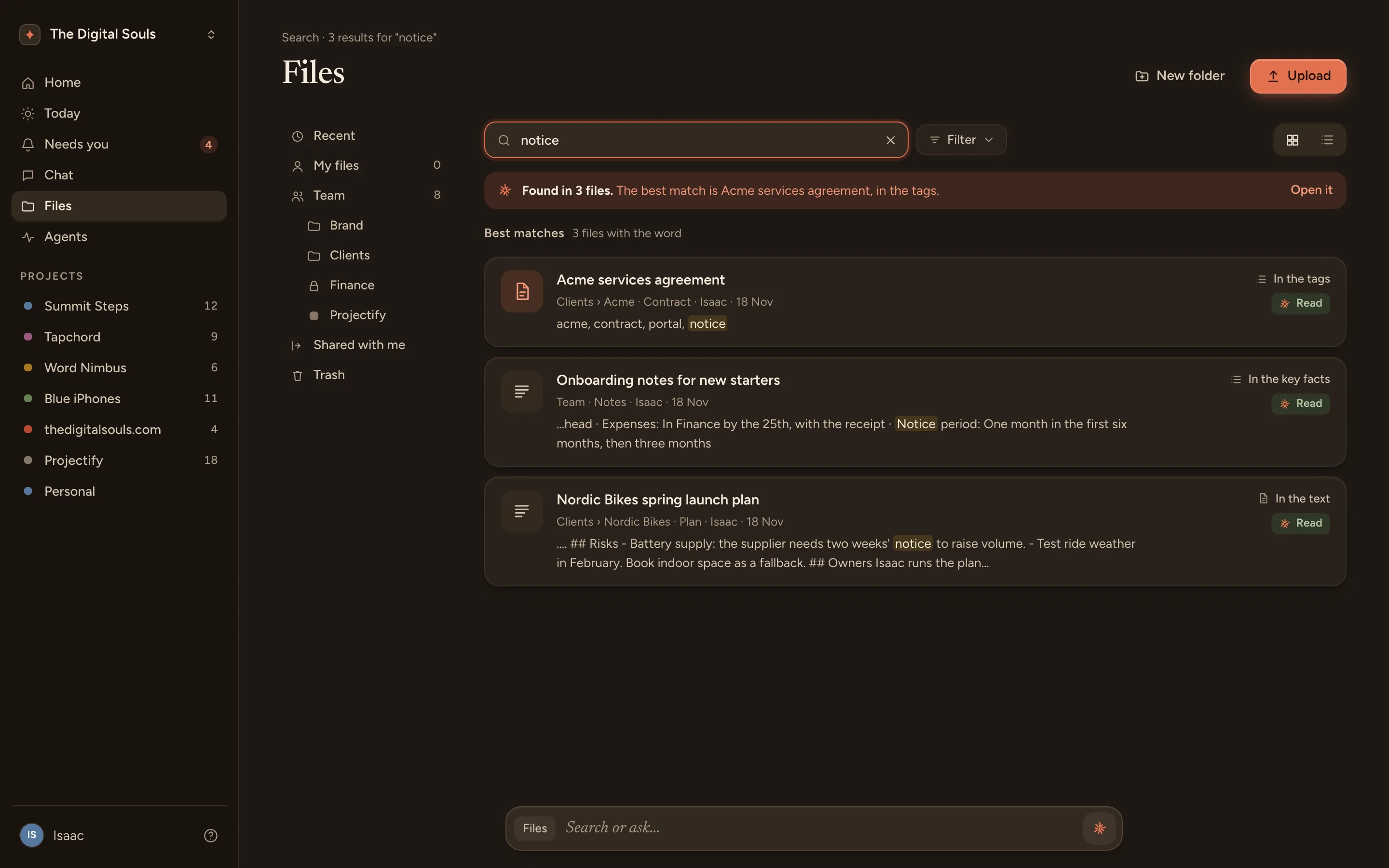
Search finds the words inside files, not just their names. Each result says where it matched: the text, the key facts or the tags, with the line around it.
notice
Who sees what
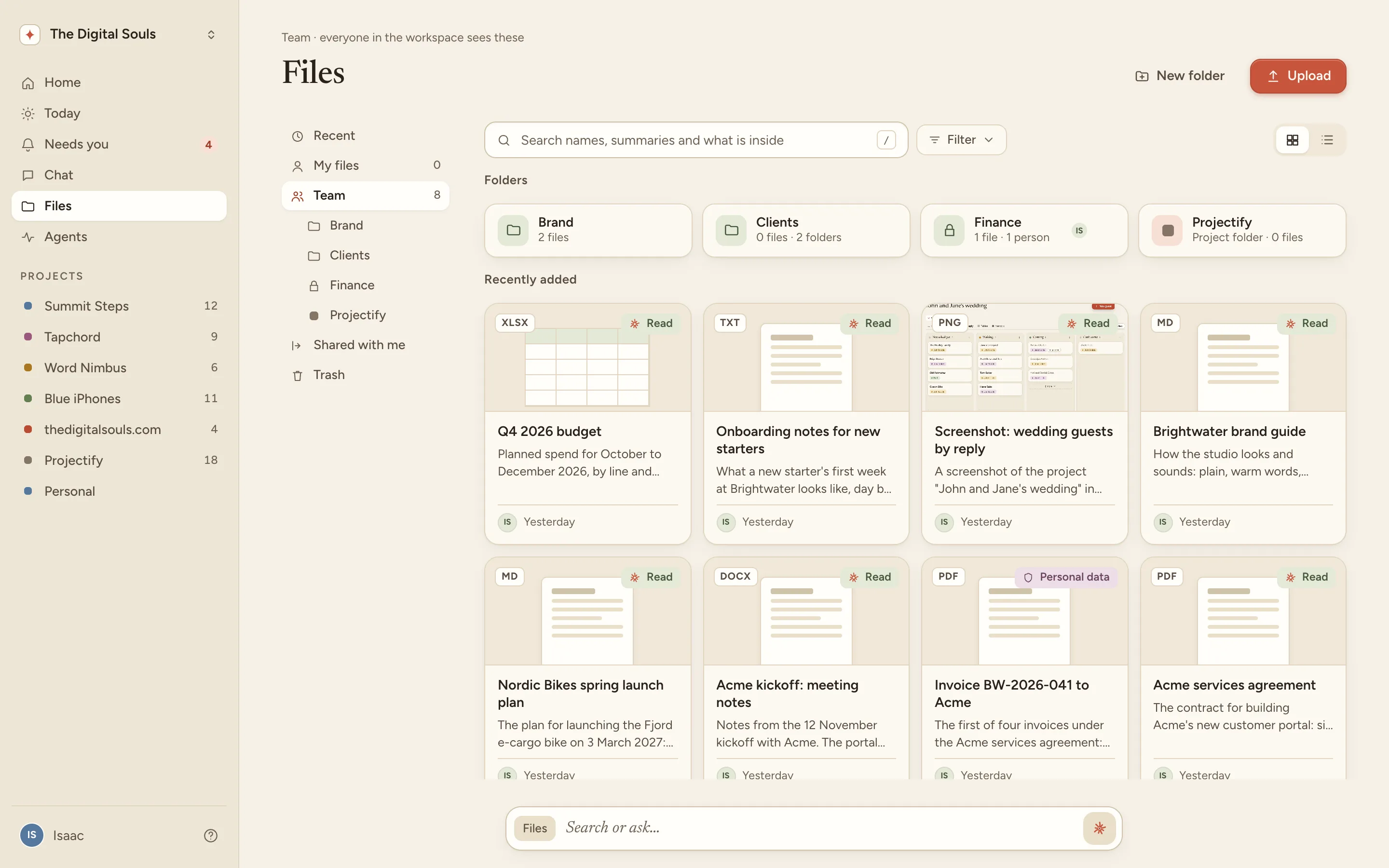
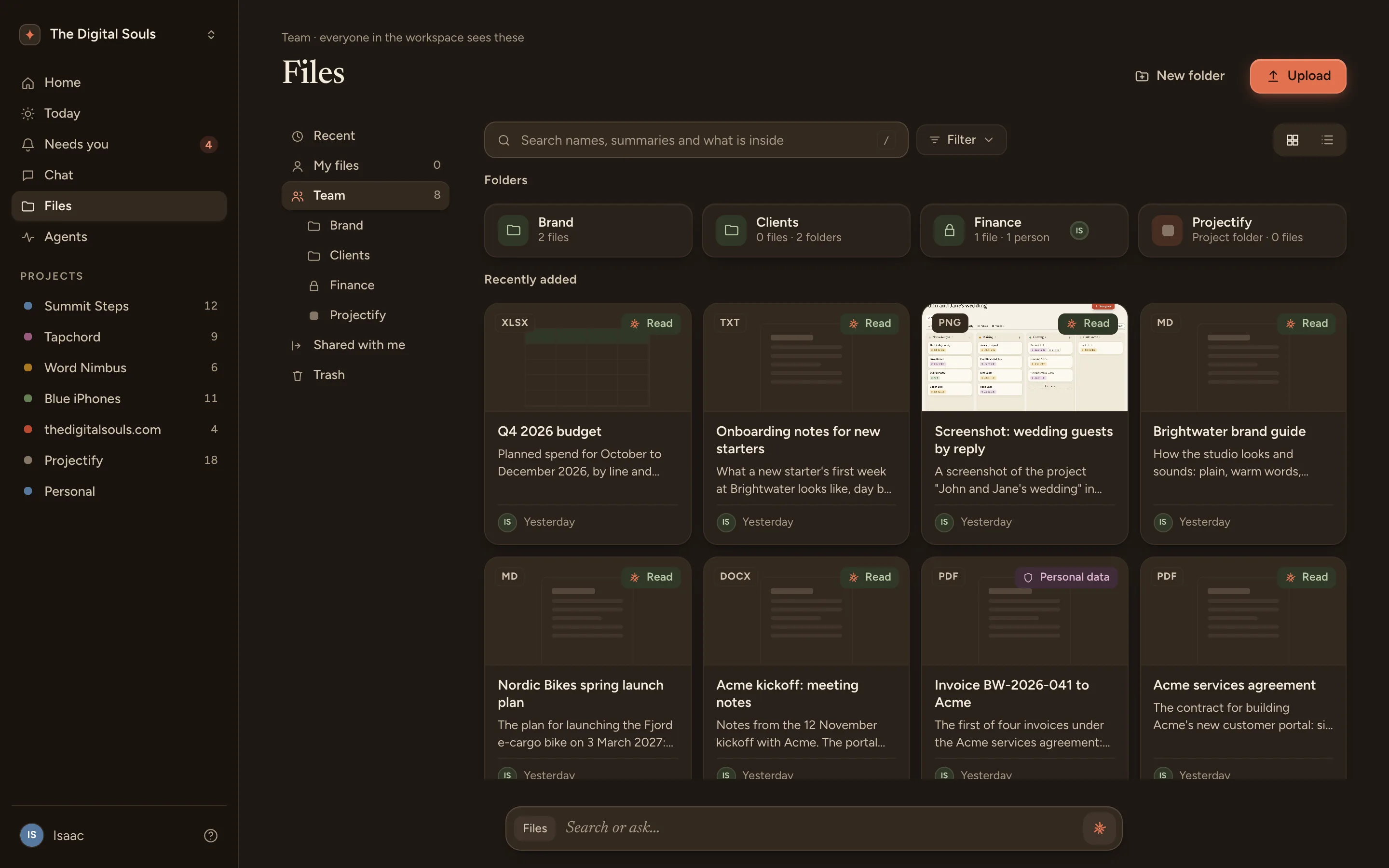
The same rules for people and their agents, so nothing is shared by surprise.
- My filesYours until you share them.
- TeamEveryone’s, unless a folder is kept to a few people.
- SharedWith a person or an agent, to view or to edit.
Your Claude sees exactly what you see. No more.
One library, wherever the work is: a project’s Files tab, a folder as a tab beside its lists, a task’s files, a workflow’s inputs and Learn. A file added in any of them is read the same way.
Claude knows your files
Over the Projectify connector, Claude finds, reads and saves files, in Claude Code, Claude Desktop or claude.ai. With no AI key in the workspace, Claude reads the files that wait and saves what it read.
find_filesBrowses or searches the library: by folder, tag, type, project, or the words inside files.read_fileOpens one file with everything AI read about it, who has it, where it is used, and its text.save_fileAdds a file, or saves what Claude read of a file that waits to be read.
In Claude
How much notice do we give to end the Acme contract?
find_files: "notice" found Acme services agreement in Clients › Acme.
read_file: section 4, Notice and ending the agreement.
30 days in writing, by email to the contacts in the agreement.
Your files, read for you.
Drop in the files you keep looking for. Find them by what they say.