Learn any process. Run it with Claude.
A weekly report, a hire, a release, an ad. Bring in anything that shows how it is done, or start from a template. Projectify turns it into a workflow with checks where a person has to look, and every run ends with the result handed over.
Runs on your own AI key. Claude only goes past a gate when the gate says so.
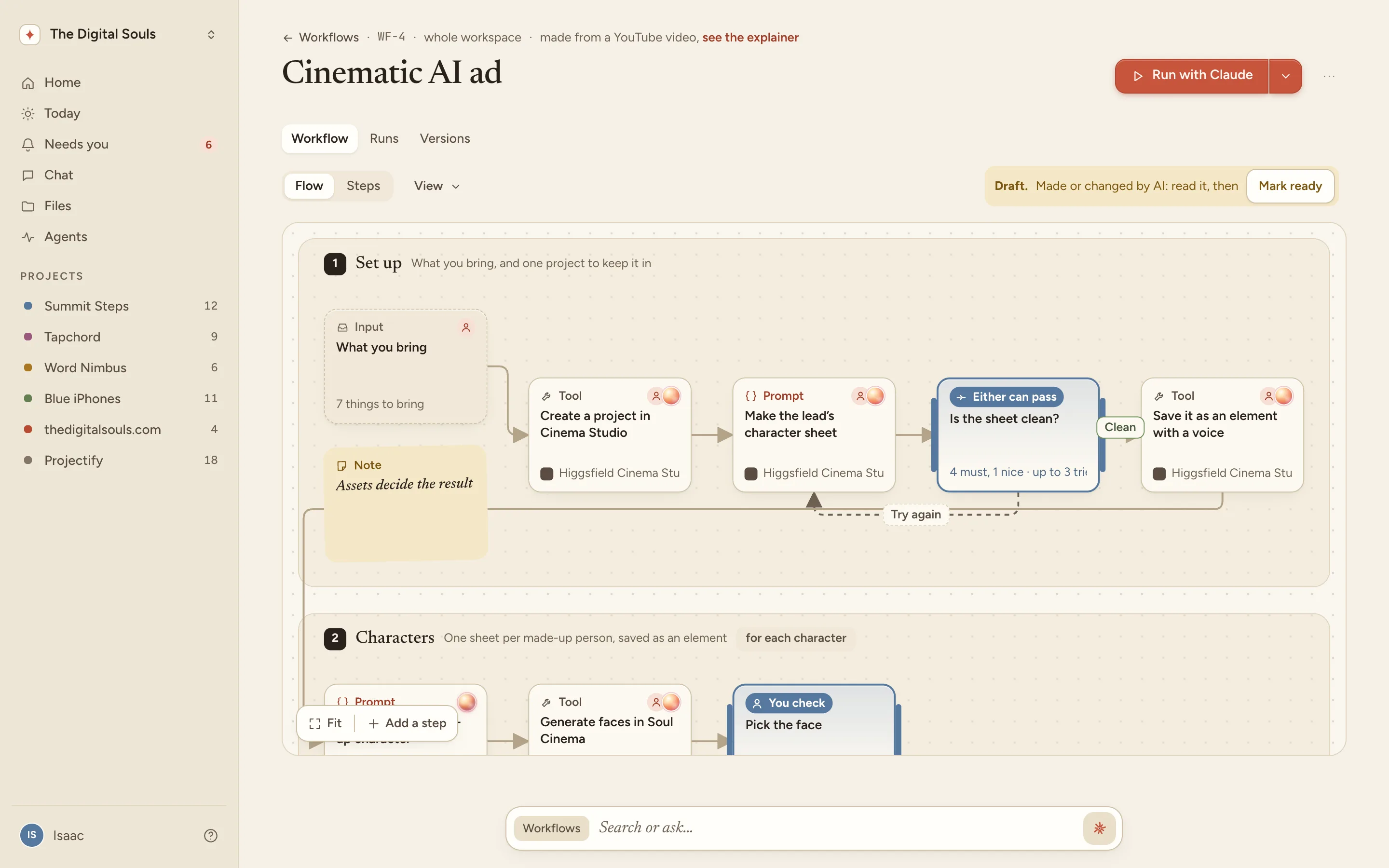
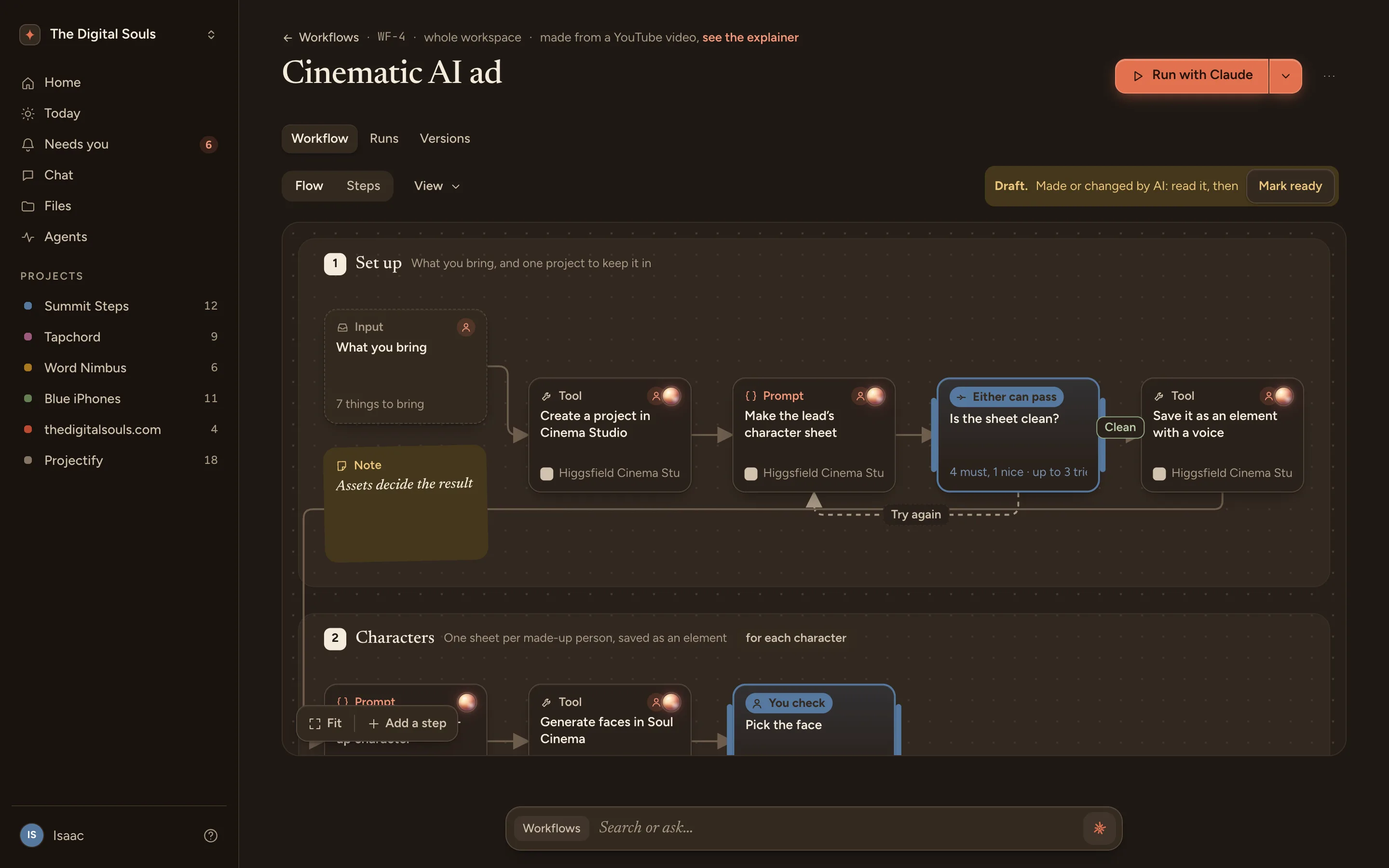
Drop anything
A 24 minute video, a PDF, a page of notes, a few screenshots. It reads the speech, the frames and the text. When a site or a video says no, it tells you why and offers another way, like pasting the transcript or letting Claude Code fetch it on your computer.
- 1Reading itThe speech, the frames and the text
- 2UnderstandingFinding the steps, the tools and the tricks
- 3ExplainingThe explainer, then the workflow
- A YouTube video
- A video file
- A web page
- PDF, Word or Markdown
- Pictures
- Pasted text
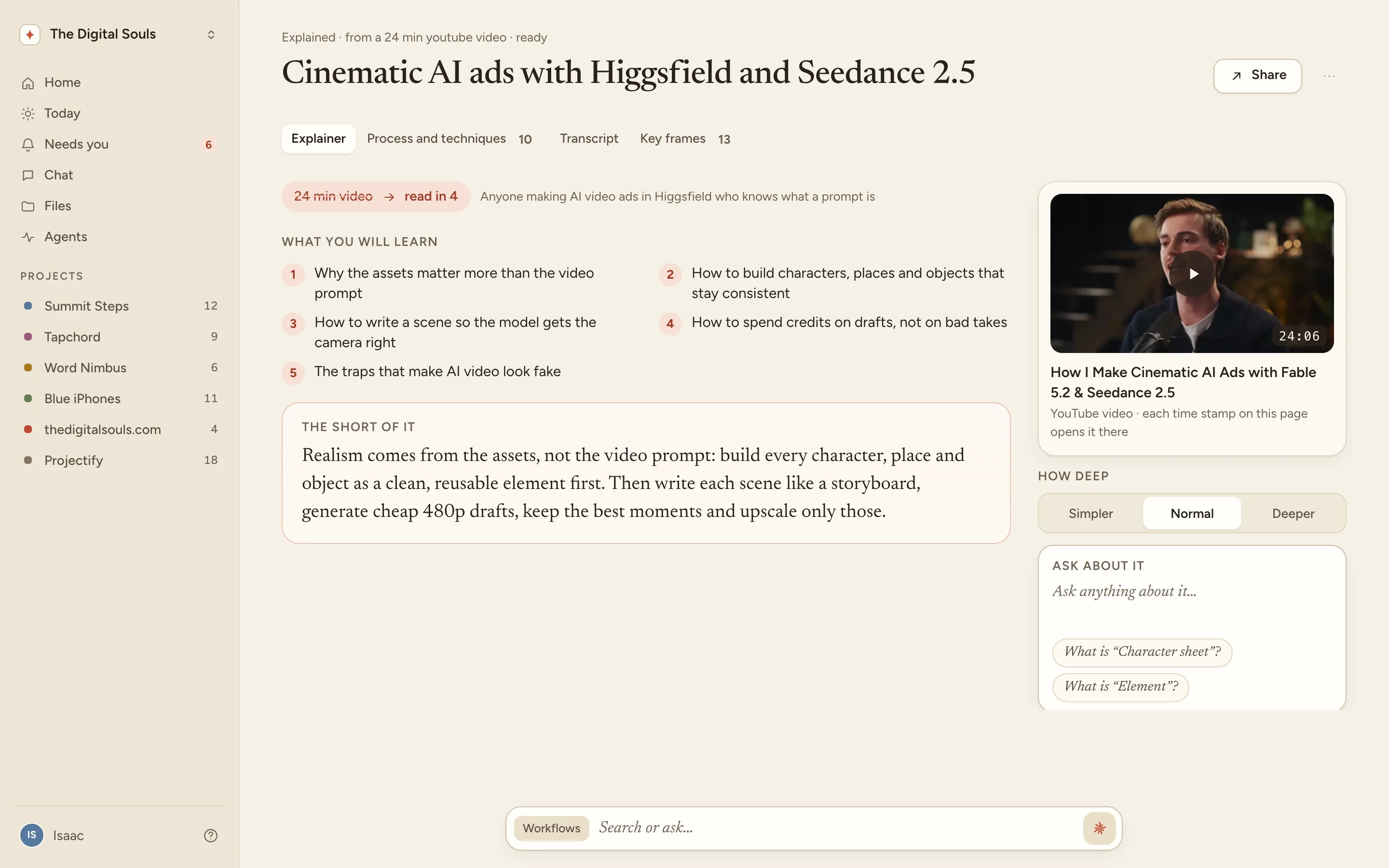
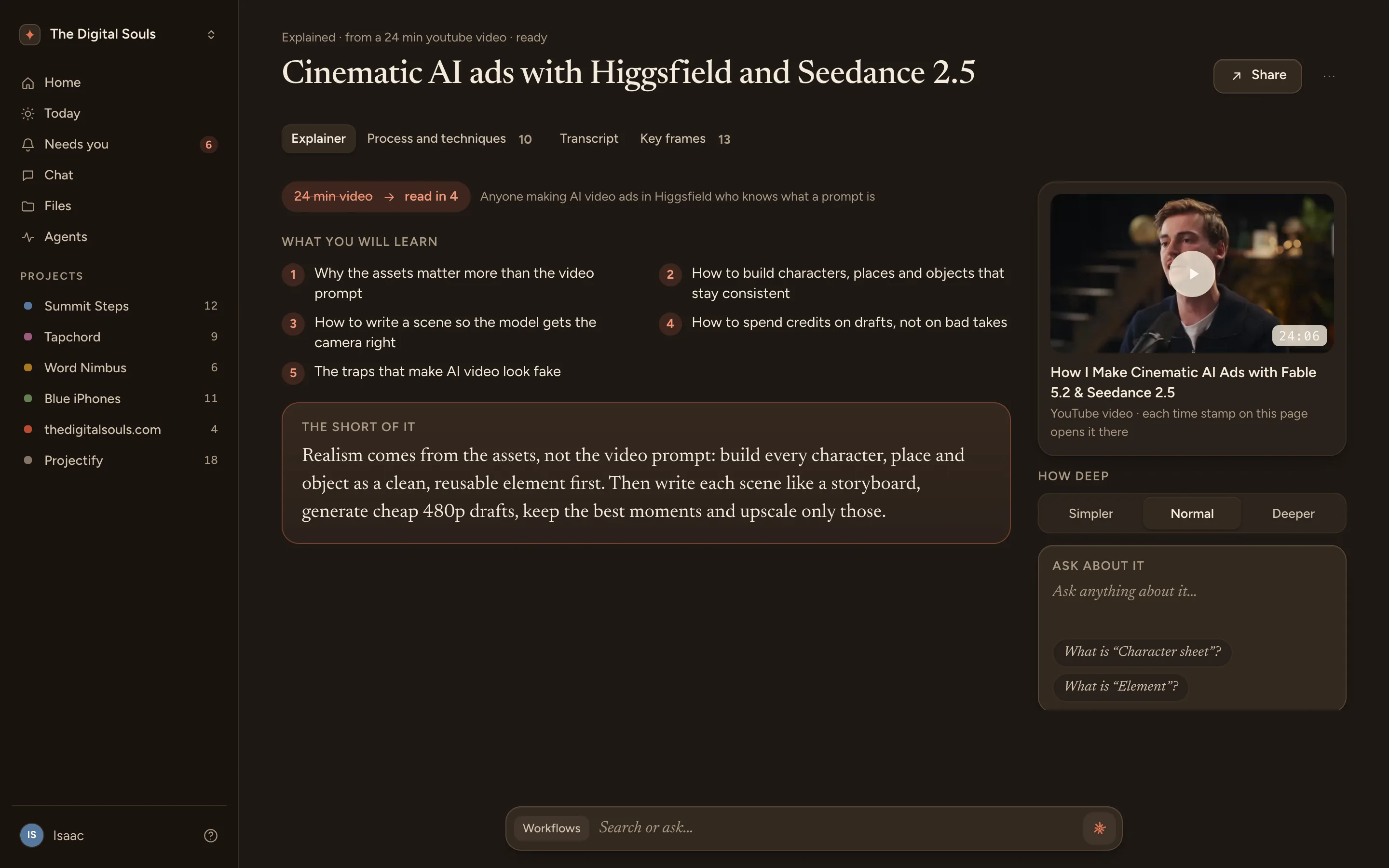
Explained in minutes
What you will learn, the short of it, a diagram of the whole process, the steps with the moment each comes from, the traps, and a three-question quiz. Ask about any part, or make it simpler or deeper.
The process and the tricks, kept apart
What you do every time becomes the workflow. What only fits some shots becomes a technique in your library, with when to use it, how, and the words to add to a prompt. Claude picks techniques when a run calls for them, and says why.
The process
- 1Set up6 steps
- 2Characters3 steps
- 4Scenes5 steps
Techniques
- Snap-zoom comedy revealthe scene is the comedy payoff
- Leave room for the appalways, on the pack shot
Workflows with gates
Every check says who must pass it: you, Claude, both, or either. With both, Claude looks first and only what it passes reaches you. Checks list what to look for, how Claude may check and how it may not, and what happens if it fails. A pick check lets you tick the takes to keep.
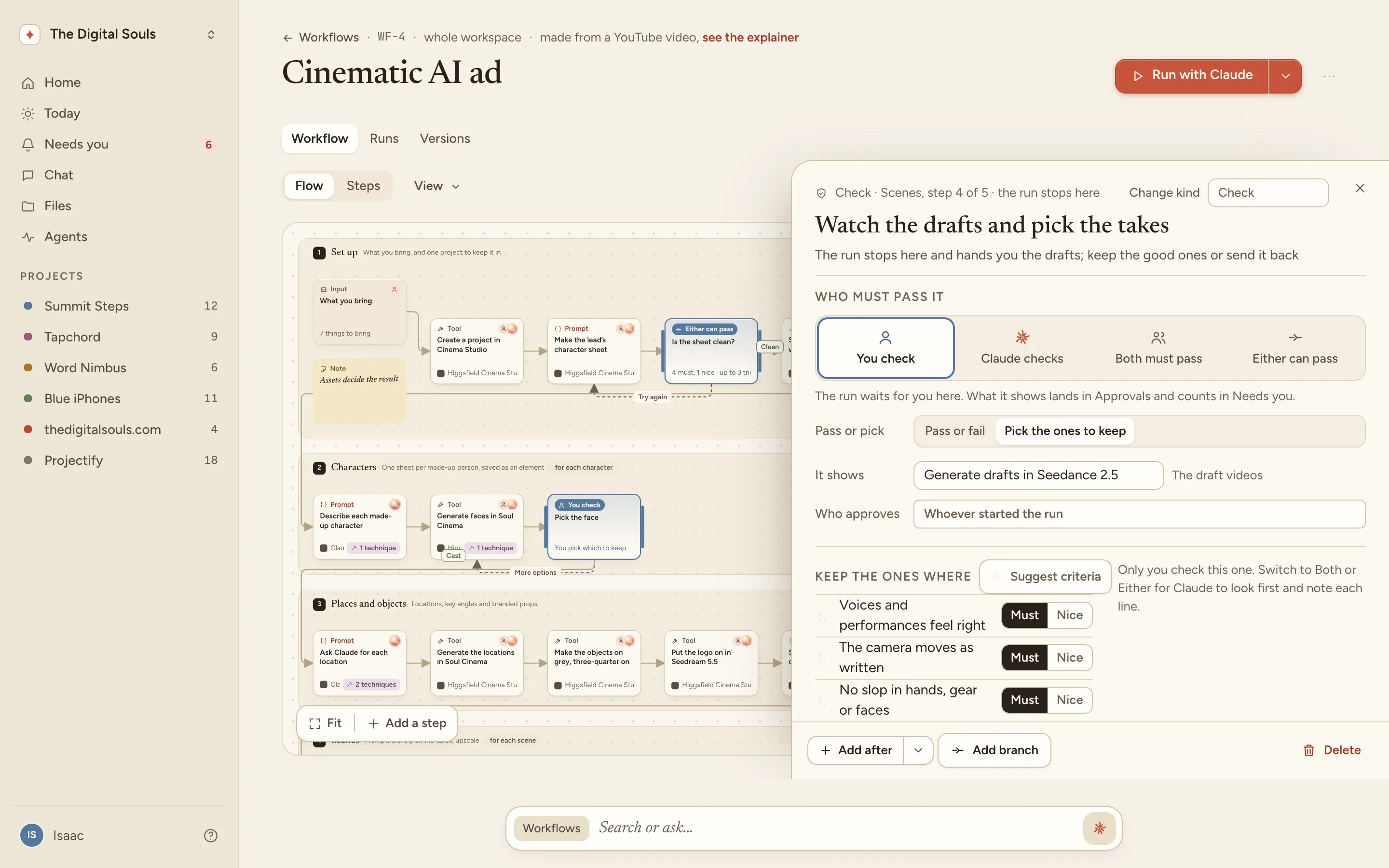
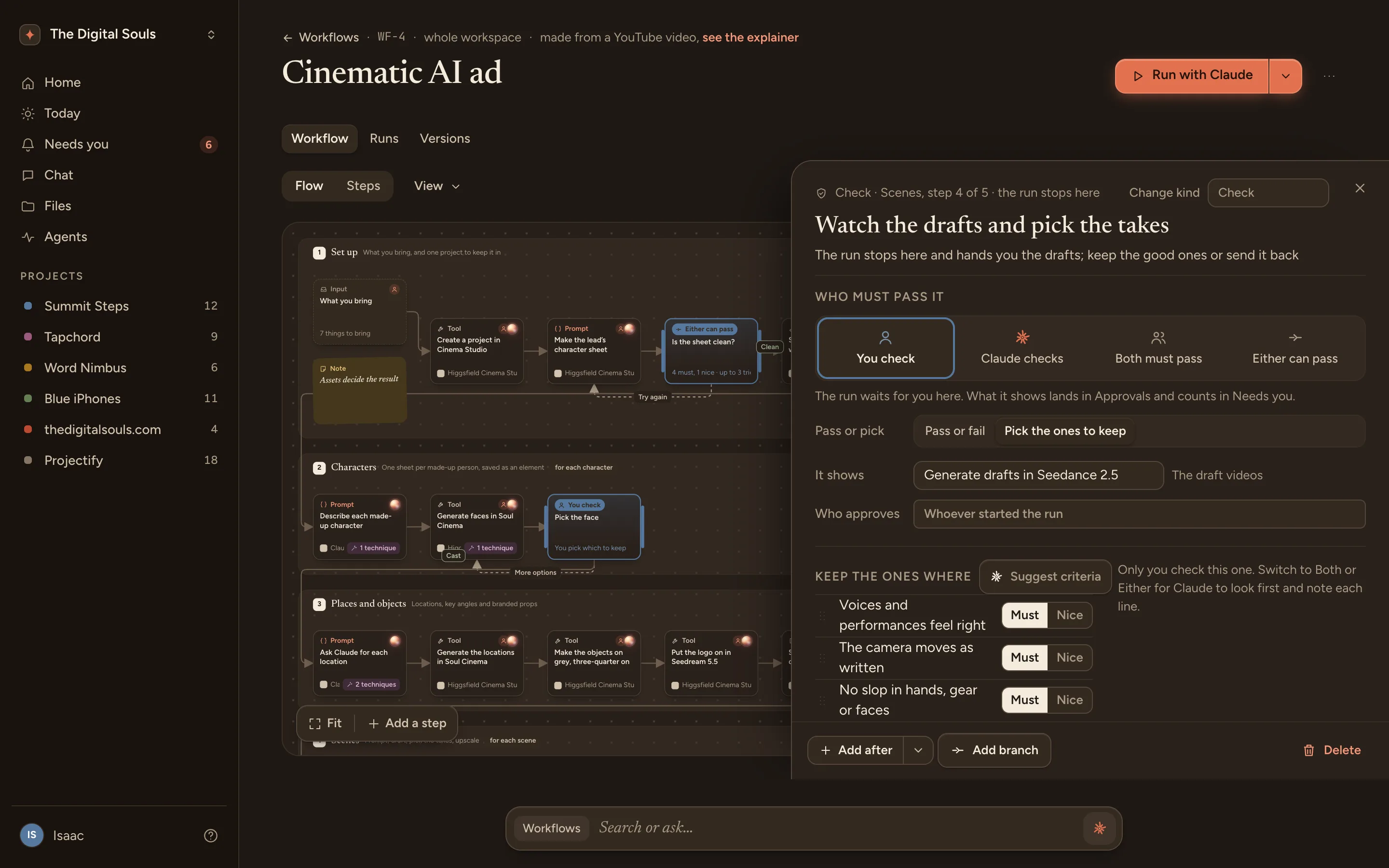
- You check
- Claude checks
- Both must pass
- Either can pass
Claude runs a hundred. You approve.
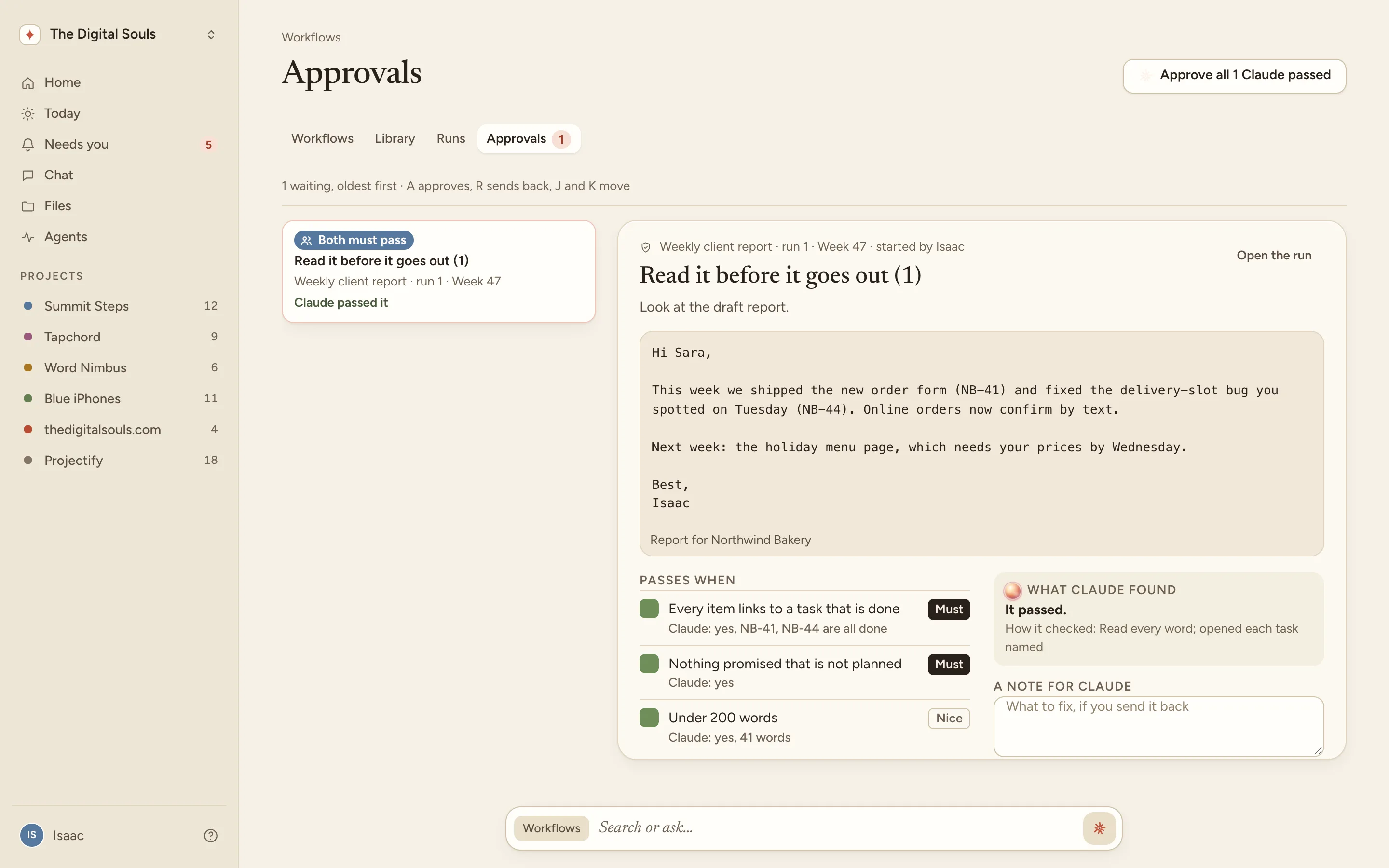
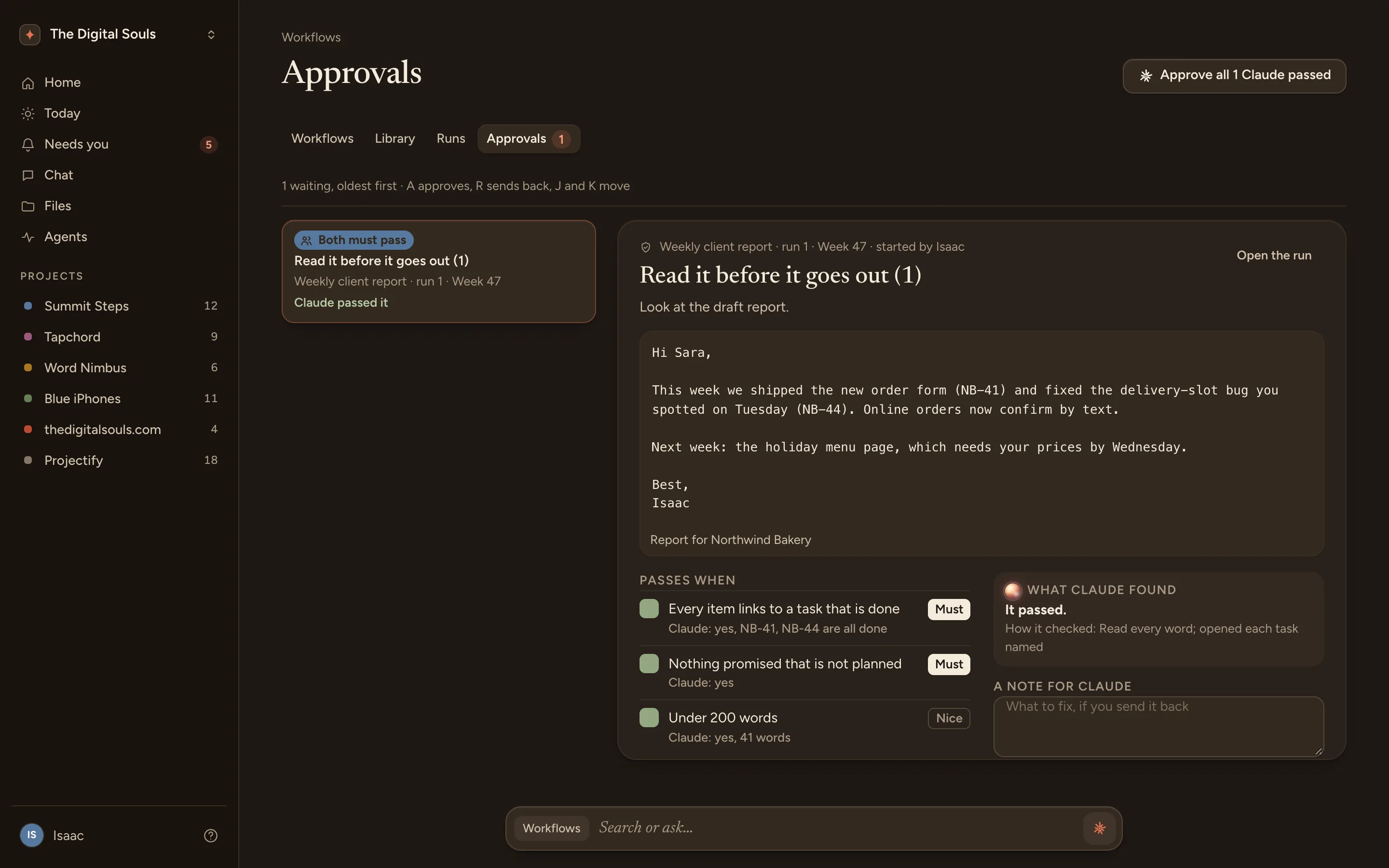
Paste a table, one row per run, and start them all. Projectify drives each run step by step and shows what Claude did. The ones that need you wait in Approvals, on your desk or on your phone, with A to approve and R to send back.
Any process, start to handed over
Each step says who does it and when it is done. Claude gets the brief, what came before and its instructions at every step. The last step hands the result over: a doc or a task in your project, a file, a link or a message, and you are told when it is done.
- Weekly client report
- Hire for a role
- Ship a release
- Onboard a customer
- Cinematic AI ad
On a schedule, inside each other, better every run
Run the weekly report every Monday at nine and it waits for Claude when the time comes. Put one workflow inside another, like a kickoff call inside onboarding. Insights shows where runs stall and which checks get sent back, and Improve from runs turns that into a change.
Claude finds them by name
Each workflow has the phrases people say when they want it. Say “make a cinematic ad” to Claude, in Claude Code or Claude Desktop, and it finds the workflow through the Projectify connector and starts a run.
Duplicate and change. Type the change you want, like “make every check Claude-only with sensible criteria”. Projectify copies the workflow, makes the change to the copy and shows you what changed first. The copy stays a draft until you mark it ready.
- make a cinematic ad
- make an AI video ad
In Claude
Make a cinematic ad for the taxi app, funny, three scenes.
Found the workflow "Cinematic AI ad" in Projectify.
It needs photos of the lead, a voice line and the logo.
Started run 21. It will stop for you at Pick the face.
Watch it once. Your team runs it forever.
Bring in the last tutorial you watched. Get it explained, keep the tricks, and run it.