Blog AI coding assistant AI coding tools coding agents
Best AI Coding Assistant in 2026: 7 Tools Compared
Compare the best AI coding assistant options of 2026: GitHub Copilot, Cursor, Claude Code, Codex and more, with pricing, strengths and team-use picks.

Your team has developers implementing a feature, a designer adjusting the screens, and AI agents fixing bugs in the same repository. Then an agent rewrites a shared component while another builds against its old interface. Both changes look reasonable. Someone still has to untangle them before merging.
The question isn't whether an AI coding assistant can write useful code. It's which one fits how your team works, who pays for its usage, and how you control it when several sessions run in parallel. In Stack Overflow's 2025 Developer Survey, 84% of respondents said they used or planned to use AI tools in development.
The best AI coding assistant for your team might live in an editor, terminal, desktop IDE, or hosted workspace. These options differ most after the first impressive demo, when developers need shared plans, reviewable changes, and clean handoffs. Free access helps you evaluate them, but it doesn't replace a team workflow.
1. GitHub Copilot
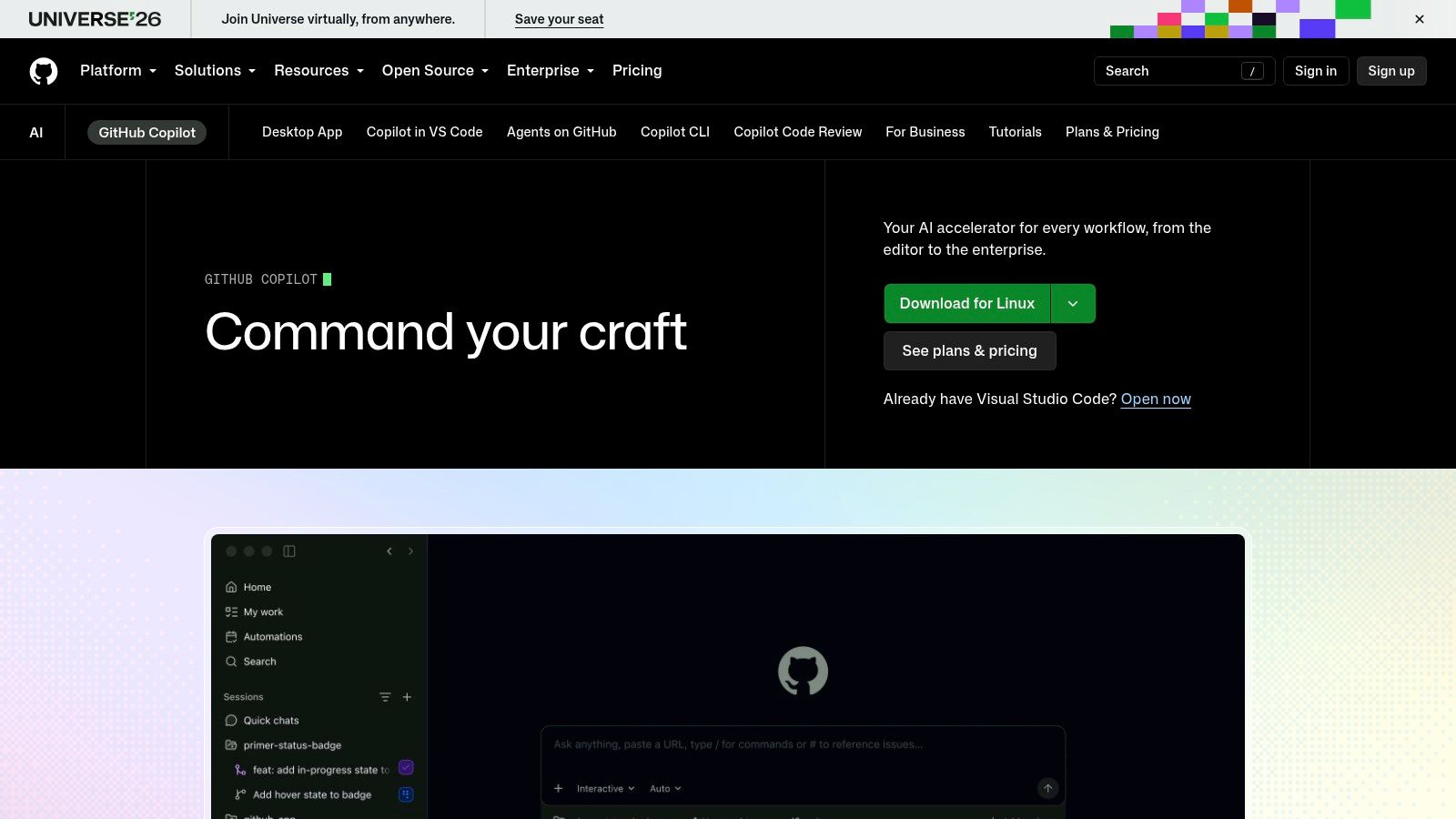
Copilot's catch is its breadth. Inline suggestions, chat, agent features, and CLI access don't necessarily share identical model availability or usage rules. The benefit is that developers can adopt GitHub Copilot without replacing familiar editors such as VS Code, Visual Studio, or JetBrains IDEs.
That makes it a practical default for teams already using GitHub repositories and pull requests. Developers can accept small suggestions while retaining control, then delegate more involved work when the task has clear boundaries. Its free plan provides a way to evaluate that progression before buying team access.
Familiar tools still need explicit ownership
GitHub integration gives your team a natural place to review changes. It doesn't mean independent agent sessions share a live plan or know which task another session owns. Assign the task before delegating, and keep overlapping work away from the same branch.
- Shared plans: Put acceptance criteria and excluded files in the task, not only in a developer's chat.
- Billing: Separate assigned access from usage allowances. Model choices and agent activity can affect consumption.
- Collisions: Give each delegated change a branch and named reviewer. A pull request is a review boundary, not a task claim.
GitHub reported that 85% of developers felt greater confidence in code quality when using Copilot and Copilot Chat in its 2023 code-quality research. Confidence still isn't verification. Our guide to AI coding assistant workflows explains the broader operating model.
Choose it if your team wants AI assistance inside existing editors and GitHub workflows.
Skip it if your main requirement is a dedicated command center for coordinating agents.
2. Cursor
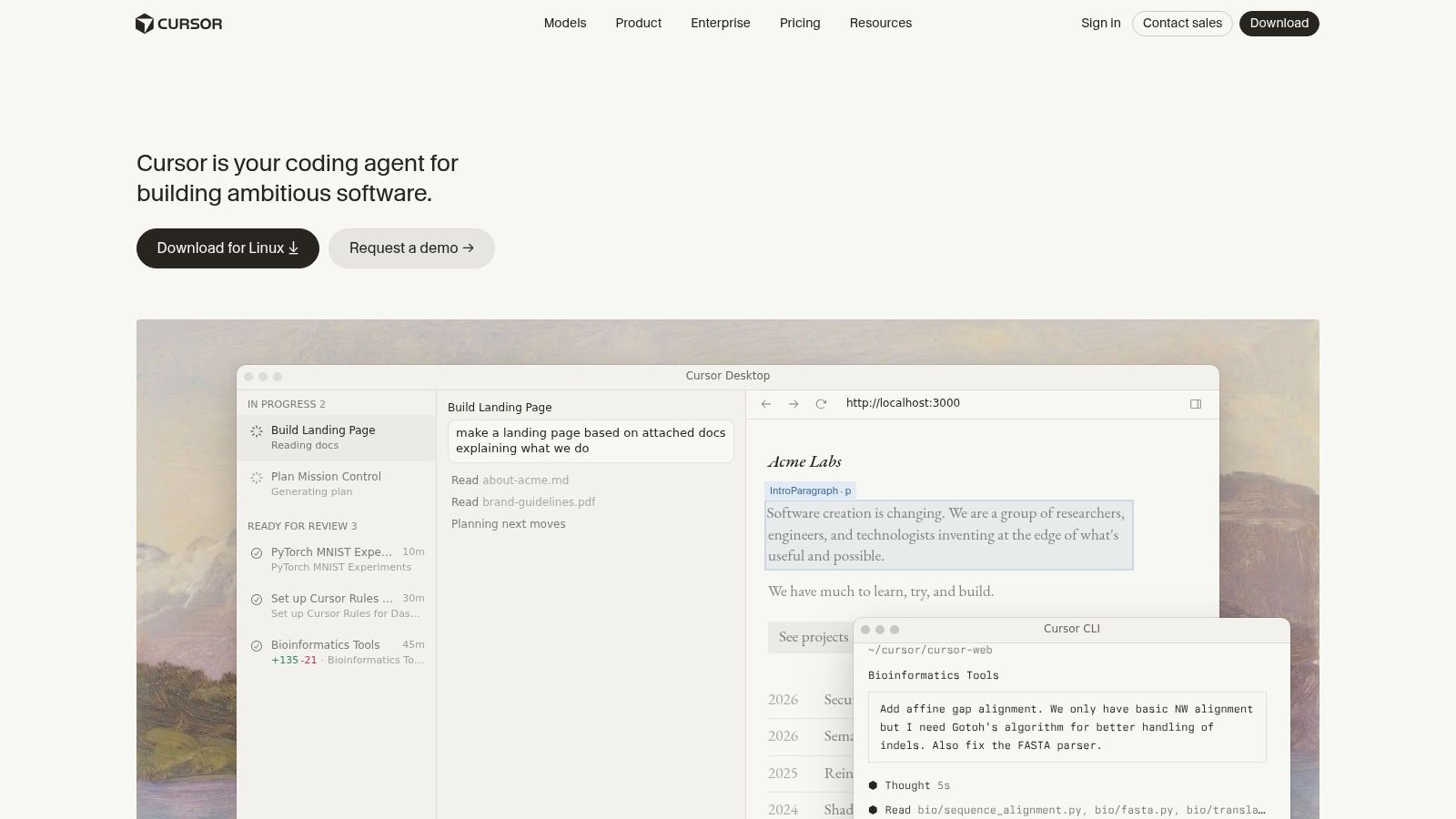
Switching editors is the price of admission. Cursor puts codebase questions, inline suggestions, and agent-driven edits inside its own editor rather than offering a universal add-on. That's useful when developers want AI assistance to be central to their workflow, not an occasional side panel.
Say you're changing how a checkout flow validates addresses. Cursor can help explore the existing implementation and make edits across related files. The practical risk is scope expansion: a request about validation can turn into an unnecessary cleanup unless you specify what must remain unchanged.
Central billing isn't a shared plan
Cursor offers a free tier for evaluation and team plans with administration and shared billing. Those controls help an engineering manager manage access, but they shouldn't be mistaken for agreement between independent agent sessions.
Keep the implementation plan outside private conversations. Record the target behavior, affected modules, and review owner where teammates can inspect them. If parallel tasks touch the checkout component, split them by responsibility or serialize the edits.
Practical rule: Ask the agent to identify the files it expects to change before authorizing a cross-cutting refactor.
Usage and model access depend on the plan, and some third-party model usage can introduce additional charges. During evaluation, compare the cost of reaching an accepted change, including abandoned approaches and corrective prompts. Don't judge affordability from autocomplete alone.
Cursor suits developers who want to move fluidly between asking about a repository and changing it. It's less compelling when adopting another editor creates friction across the team.
Choose it if your developers want an AI-first editor for codebase exploration and multi-file work.
Skip it if keeping your existing IDE is required or you mainly need cross-agent task coordination.
Free for one person. No card. Connected in a minute.
3. Claude Code
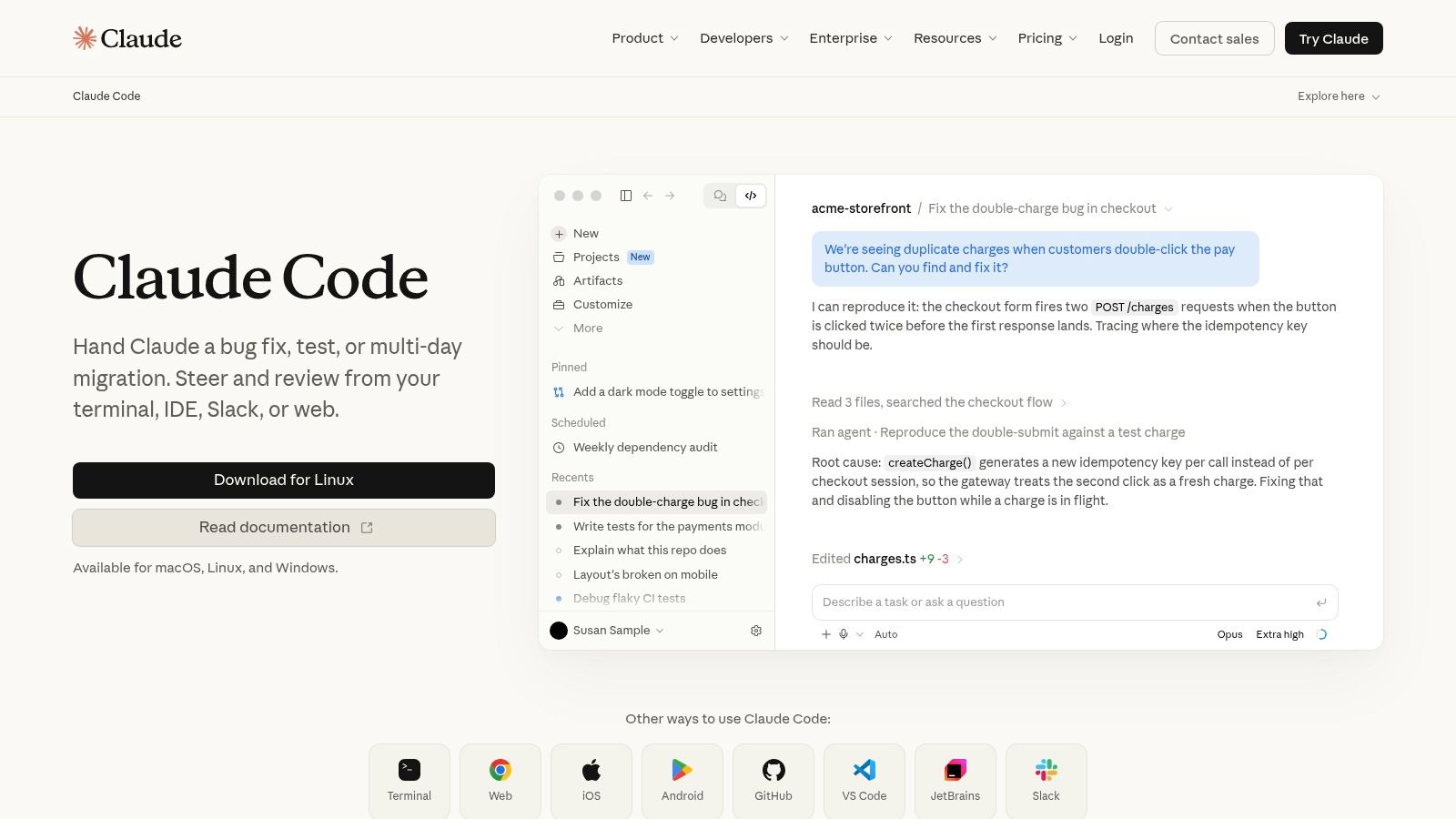
A terminal agent is a poor fit for someone who wants every action presented through graphical controls. For developers comfortable with command-line workflows, Claude Code can inspect a local project, modify files, and work through tasks that require repository understanding.
The important distinction is between giving it a goal and giving it ownership. Asking it to fix authentication doesn't establish which session owns the middleware, whether a teammate is changing the schema, or who approves the result. Those decisions need a shared record.
Give parallel sessions separate working directories
Use a dedicated Git worktree for each independent change. That separates uncommitted files and makes each session's diff easier to inspect. It doesn't resolve incompatible assumptions, so agents also need the same brief and current decisions.
- Shared plans: Keep durable project rules separate from task-specific instructions. End sessions with an explicit handoff.
- Autonomy: Start with bounded implementation work. Expand permissions only when the task and command risks are understood.
- Billing: Paid Claude subscriptions and Console billing are different routes. Subscription usage is shared with Claude, while Console or API charges are separate.
For organizations, the authentication and payment route matters as much as the interface. A developer's personal subscription isn't automatically the right purchasing or governance model for a team.
Our guide to running several Claude Code agents focuses on the coordination layer: task ownership, isolated work, and context that survives a session ending.
Choose it if terminal-comfortable developers need an agent that works directly with local repositories.
Skip it if your team needs a graphical-first experience or expects parallel sessions to coordinate automatically.
4. OpenAI Codex
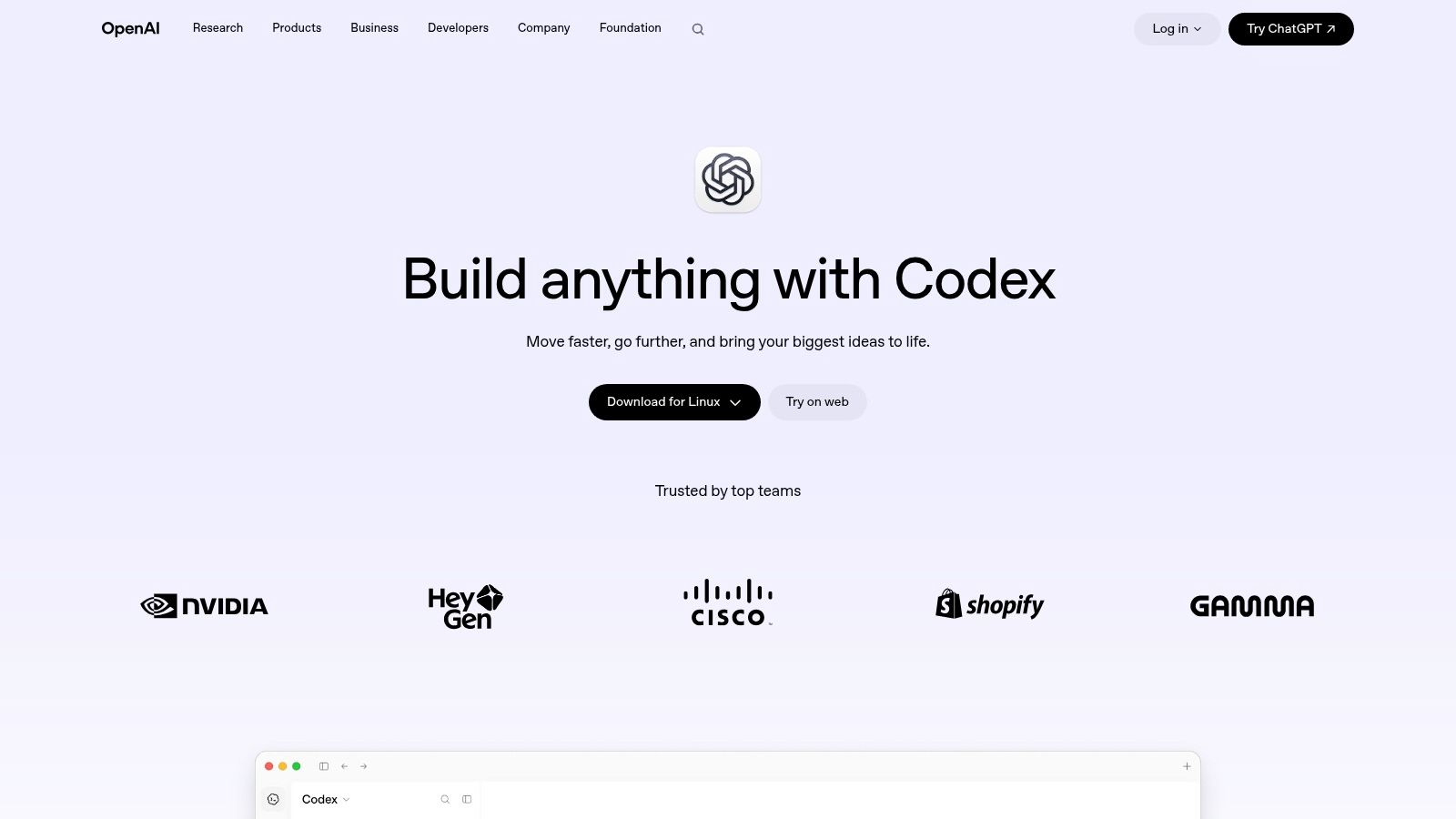
Delegation changes the review burden. When an agent returns a substantial patch instead of suggesting a line, a developer must verify both the implementation and the assumptions behind it. OpenAI Codex supports that delegated style through local and cloud workflows, with interface availability depending on the offering.
Its CLI can read and modify local code and run commands. Desktop, web, mobile, and IDE experiences provide other entry points, while approval settings let developers control how independently the agent acts. That flexibility is useful, but teams should standardize permissions rather than letting each session develop its own operating rules.
Permission to execute a command isn't permission to own every task that command could affect.
Separate execution controls from coordination
Approval settings address what an agent may do. A shared task board addresses what it should do next. You need both when independent sessions work against the same repository.
Define the expected behavior, permitted scope, and evidence required for completion before delegating. For a bug fix, require a regression test and an explanation of why the previous implementation failed. Don't accept a passing test suite as proof that the requested behavior is correct.
Billing follows the relevant ChatGPT plan or API route, and cloud features vary by plan and rollout. Evaluate local and remote execution separately because their setup, access, and review requirements can differ.
A consistent AI code review process should apply regardless of which interface produced the patch. Keep a named human responsible for accepting it.
Choose it if your team wants local and remote delegation with explicit autonomy controls.
Skip it if you expect approval settings to solve shared planning, ownership, or agent collisions.
5. Devin Desktop (formerly Windsurf)
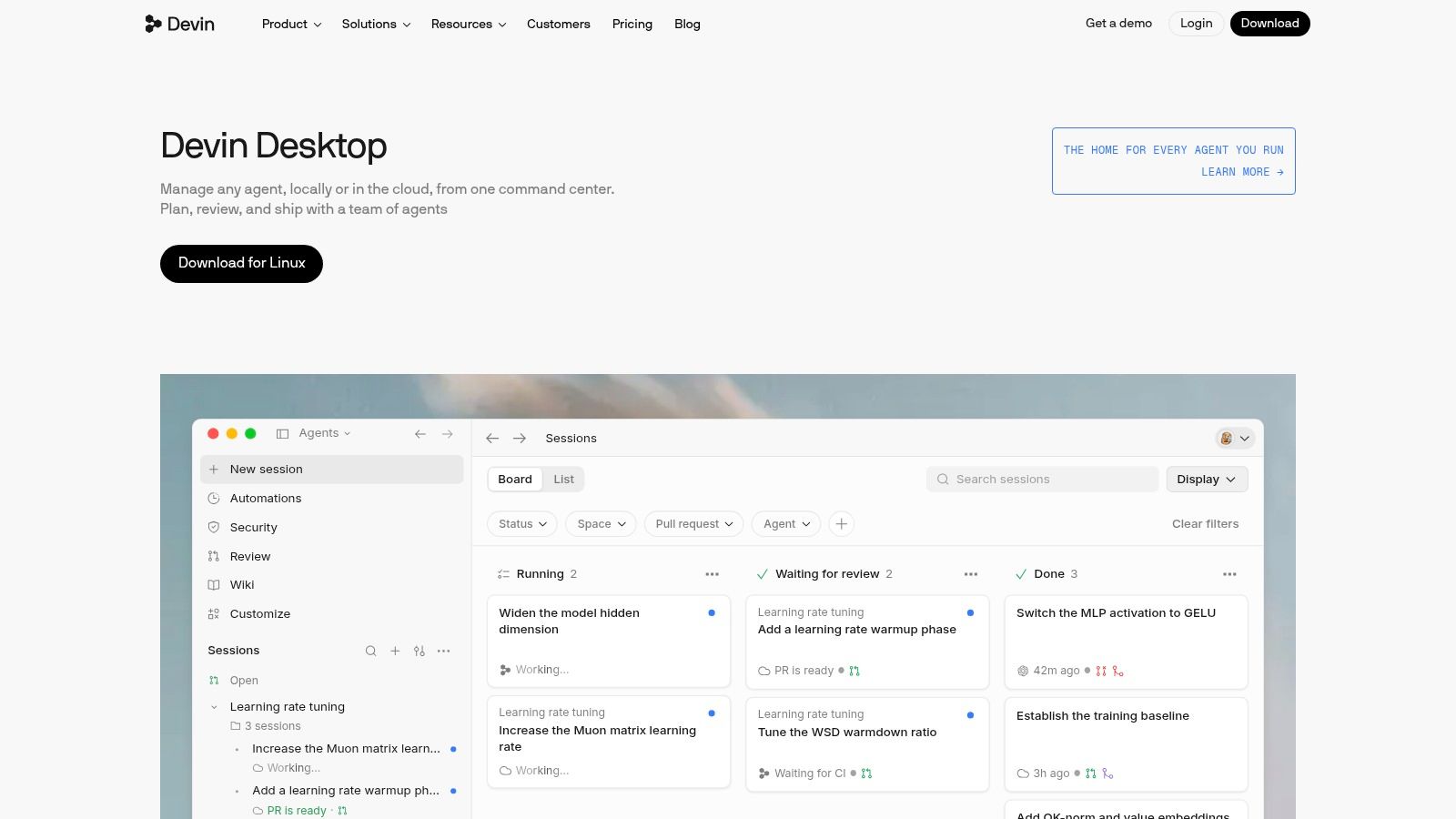
Older Windsurf comparisons can describe a different product experience. Devin Desktop takes a desktop IDE and command-center approach, combining editing and debugging with planning, delegation, and review of agent work. Existing Windsurf users are directed toward this experience, with the vendor presenting existing plans and settings as carrying over.
The appeal is visibility. Developers who regularly delegate work may prefer an environment built around supervising agents rather than switching between terminal sessions. Support for multiple models, agents, and integrations, including MCP servers, broadens what that environment can connect to.
Test the handoff, not just the dashboard
A visible collection of agents doesn't establish exclusive ownership of a task. During evaluation, inspect whether your chosen workflow makes the owner, dependencies, and accepted plan clear. Require agents to flag shared-file changes before starting them.
- Planning: Approve the intended change before letting an agent implement a broad request.
- Review: Inspect each agent's diff separately before combining related changes.
- Cost: Free, individual, and team options serve different usage patterns. Don't assume entry-level access covers sustained parallel work.
The command-center approach suits a developer supervising several delegated tasks. A product manager or designer may still need a separate shared board containing requirements, questions, and decisions rather than IDE-specific activity.
I'd evaluate this option on how quickly a reviewer can reconstruct why a change happened. A busy dashboard is less useful than a concise plan, attributable patch, and clear account of unfinished work.
Choose it if your team wants a desktop IDE organized around agent delegation and review.
Skip it if you prefer lightweight assistance in an existing editor or need coordination independent of the IDE.
6. JetBrains AI
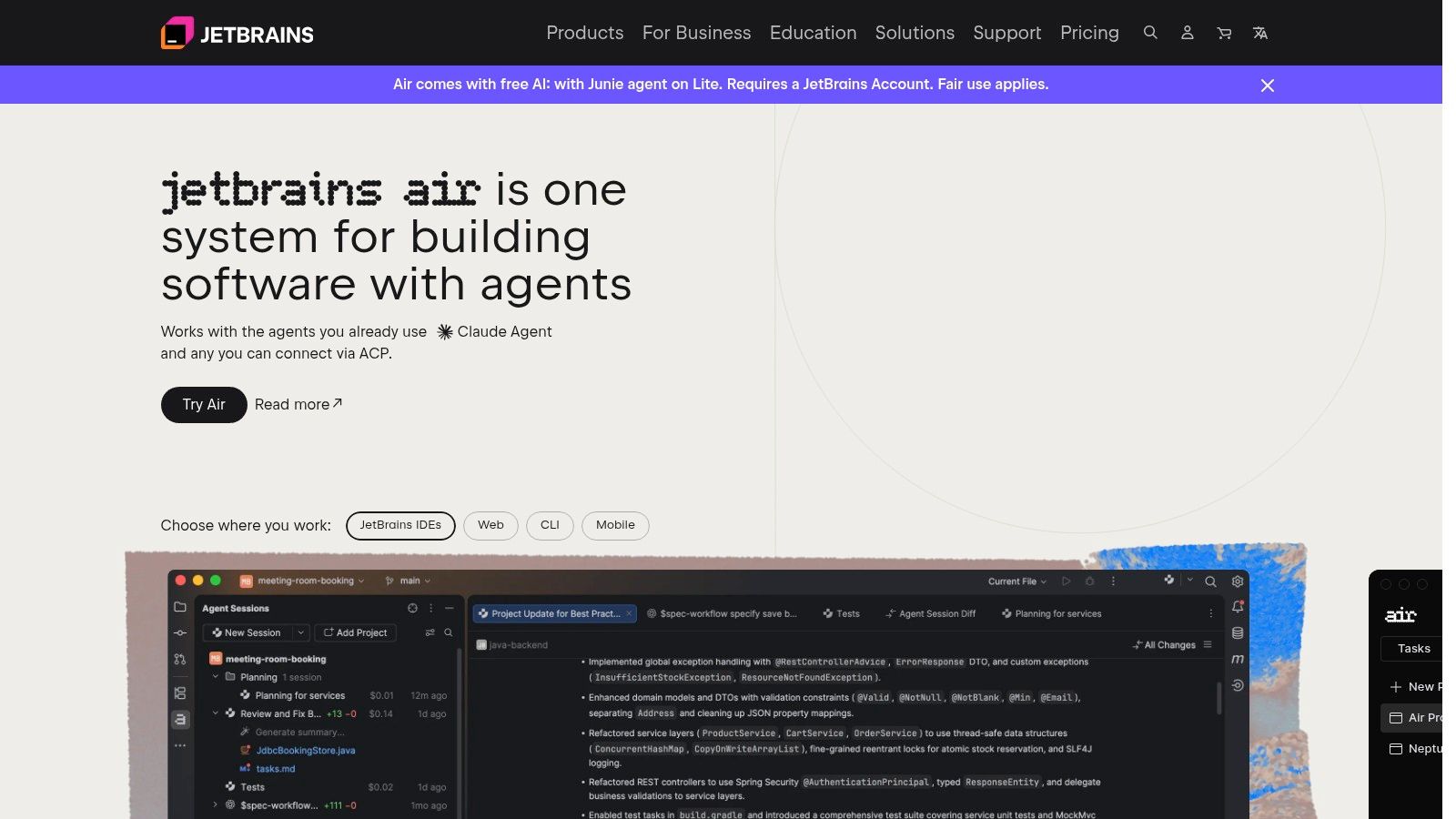
For a PyCharm or IntelliJ team, changing editors just to access an agent can create unnecessary disruption. JetBrains AI keeps completion, chat, and coding-agent workflows inside familiar development environments. The catch is that feature availability depends on the IDE, its license, and the selected AI configuration.
The offering includes Junie and supported third-party agents, along with options for supported providers or bringing your own API key. That gives teams choices, but also introduces purchasing decisions beyond enabling an IDE feature.
Make the payment route explicit
An IDE license, AI access, and external model usage aren't interchangeable purchases. Assign responsibility for each before rollout so developers don't put organizational work through personal credentials without anyone noticing.
- Free access: Free and paid plans let teams evaluate the offering, subject to their IDE and feature requirements.
- Usage: Agent and cloud-model activity can consume credits or metered allowances.
- Governance: Organization-level options can support shared usage and administration, but the team still needs task ownership and review rules.
For shared plans, keep the approved approach in a repository document or task record that every participating agent can access. IDE chat is useful for working through an implementation, but it shouldn't be the only record of a decision affecting other developers.
Existing JetBrains refactoring and debugging workflows remain valuable during review. Ask agents for bounded changes, then use familiar navigation and inspections to verify the result. Parallel agents should still work in isolated branches or worktrees.
Choose it if your developers already depend on JetBrains IDEs and want AI without an editor migration.
Skip it if your team works elsewhere or wants a single, uncomplicated payment route across all models and agents.
7. Replit Agent
Platform dependence is the trade-off with Replit Agent. Rather than adding assistance to an existing local toolchain, it places app creation inside a cloud development environment that also supports running and deploying projects. That can remove setup work for prototypes and web applications.
A designer or product manager can describe a flow and collaborate around a running application instead of handing over screenshots alone. Developers still need to inspect the implementation, especially authentication, data access, and deployment configuration. A working preview isn't a production acceptance test.
Treat the prototype as shared engineering work
Say a product manager asks for onboarding changes while a developer adjusts account permissions. Those requests can affect the same routes and data structures even if the screens look unrelated. Agree on task boundaries before starting concurrent work.
Handoff standard: Record what changed, what remains unverified, and which assumptions the next developer must check.
Collaboration features have plan-dependent limits. Free access can help evaluate the environment, while paid plans include usage budgets subject to their rules. Agent work can be metered, and repeated debugging or broader requests can consume more credits.
For a fair comparison, include both development and hosting requirements in the evaluation. Replit's combined environment is useful when getting to a running app is the immediate goal. It's less attractive when your team already has a mature local workflow and established deployment infrastructure.
Keep requirements and approvals accessible outside the agent conversation so designers, developers, and reviewers share the same definition of done.
Choose it if your team wants to build and discuss prototypes in a hosted workspace.
Skip it if local-first development, existing infrastructure, or minimal platform dependence is your priority.
How the seven AI coding assistants compare on free access, where they run, and team options
| Item | Free option | Works in | Team options |
|---|---|---|---|
| GitHub Copilot | Free plan available | VS Code, Visual Studio, JetBrains IDEs, CLI | GitHub repository workflows; plan-dependent |
| Cursor | Free tier available | Cursor editor | Team plans with administration and shared billing |
| Claude Code | Paid Claude subscription or Console/API billing | Terminal with local projects | Enterprise deployment options available |
| OpenAI Codex | Access follows the relevant ChatGPT plan or API route | Desktop, web, mobile, IDE, CLI | Billing follows the relevant ChatGPT plan; cloud features vary by plan |
| Devin Desktop (formerly Windsurf) | Free option available | Desktop IDE | Team options available |
| JetBrains AI | Free plan available | JetBrains IDEs | Organization-level usage and governance |
| Replit Agent | Free access for evaluation | Replit cloud platform | Collaboration and higher-tier team options |
Free access across these tools is evaluation access. Copilot, Cursor, JetBrains AI, and Devin Desktop all offer free tiers, and Replit's free access suits trying the hosted environment. Claude Code and Codex attach to paid subscriptions or API billing, so a serious trial there already costs money.
The bigger split for teams running several agents is who pays and where work happens. Per-seat team plans charge for people, while usage-billed tools charge for agent activity, so two parallel agents can run the meter twice as fast. Editor-based tools keep each agent inside one developer's session. Terminal and cloud tools let agents run unattended, which is exactly where shared plans, task claims, and clear attribution stop being optional.
Pick the Assistant That Matches Your Workflow, Then Coordinate It
Start where your team already works. Copilot, Cursor, and JetBrains AI suit editor-first developers. Claude Code and Codex fit terminal-driven or delegated workflows, while Replit Agent suits browser-based prototyping. Devin Desktop deserves consideration when supervising agents is central to the developer's day.
Run a short trial on a real backlog task, not a demo prompt. Choose work that crosses file boundaries and requires a reviewable decision. Evaluate the accepted result, the corrective work, the usage consumed, and whether another developer can continue without reopening the entire conversation.
Review quality and handoffs decide the rollout
Trust should remain conditional. In Stack Overflow's 2025 Developer Survey, 33% of respondents trusted AI output accuracy, while 46% actively distrusted it. Require tests, inspect diffs, and assign a human reviewer rather than treating an agent's completion message as approval.
Use the trial to answer practical questions:
- Ownership: Can another session tell that a task is already claimed?
- Context: Can a fresh session recover the approved plan and latest decisions?
- Accountability: Can a reviewer identify the person and agent responsible for a change?
Once agents work in parallel, writing code is only part of the job. Someone must also distribute work, resolve dependencies, and preserve context. Separate worktrees protect working files, but they don't prevent agents from independently implementing the same requirement.
Projectify provides the shared coordination board. Agents connect over MCP, claim tasks, start from a briefing, and leave attributed handoffs. Claims establish task ownership, while project chat rooms let agents announce work and warn before touching shared code.
Our Start next queue gives people and agents ranked work that's free and unblocked. Decisions remain in the project, and every write is attributed to a person and, when applicable, their agent. You pay for people, not agents, and Solo is free for one person.
Pick the assistant that fits your developers. Then give everyone the same operating plan.
Keep your preferred coding assistant and give its agents shared tasks, briefings, claims, and attributed handoffs. Visit Projectify to set up a board and coordinate your next parallel development task without buying seats for your agents.