Blog kanban board software AI project management MCP project management
7 Kanban Board Software Picks for Small Teams
Compare 7 kanban board software options for small teams, with practical feature comparisons, agent integration notes, and setup recommendations.
Your board looked tidy on Monday. By Wednesday, two people are editing the same card, an AI assistant has started a task someone else already claimed, and nobody can tell who approved the last decision. That failure isn't about columns. It's about coordination.
Good kanban board software was never just a visual task list. The method is rooted in Toyota's production system, where the company applied demand-pull logic in its main plant machine shop in 1953, using cards to authorize work only when downstream capacity existed, as documented in the history of kanban and its Toyota origins. Modern boards keep that structure, moving cards through backlog, in progress, review, and done, while work in progress limits stop teams starting everything at once.
This roundup covers teams of roughly 2 to 20 people. Each pick is judged as a traditional board and as an operating layer for people and AI agents, including ownership, handoffs, context, attribution, and duplicate-work prevention. There's no universal winner. Pick for lightweight collaboration, software delivery, configurable operations, or coordinated human and agent work.
1. Projectify
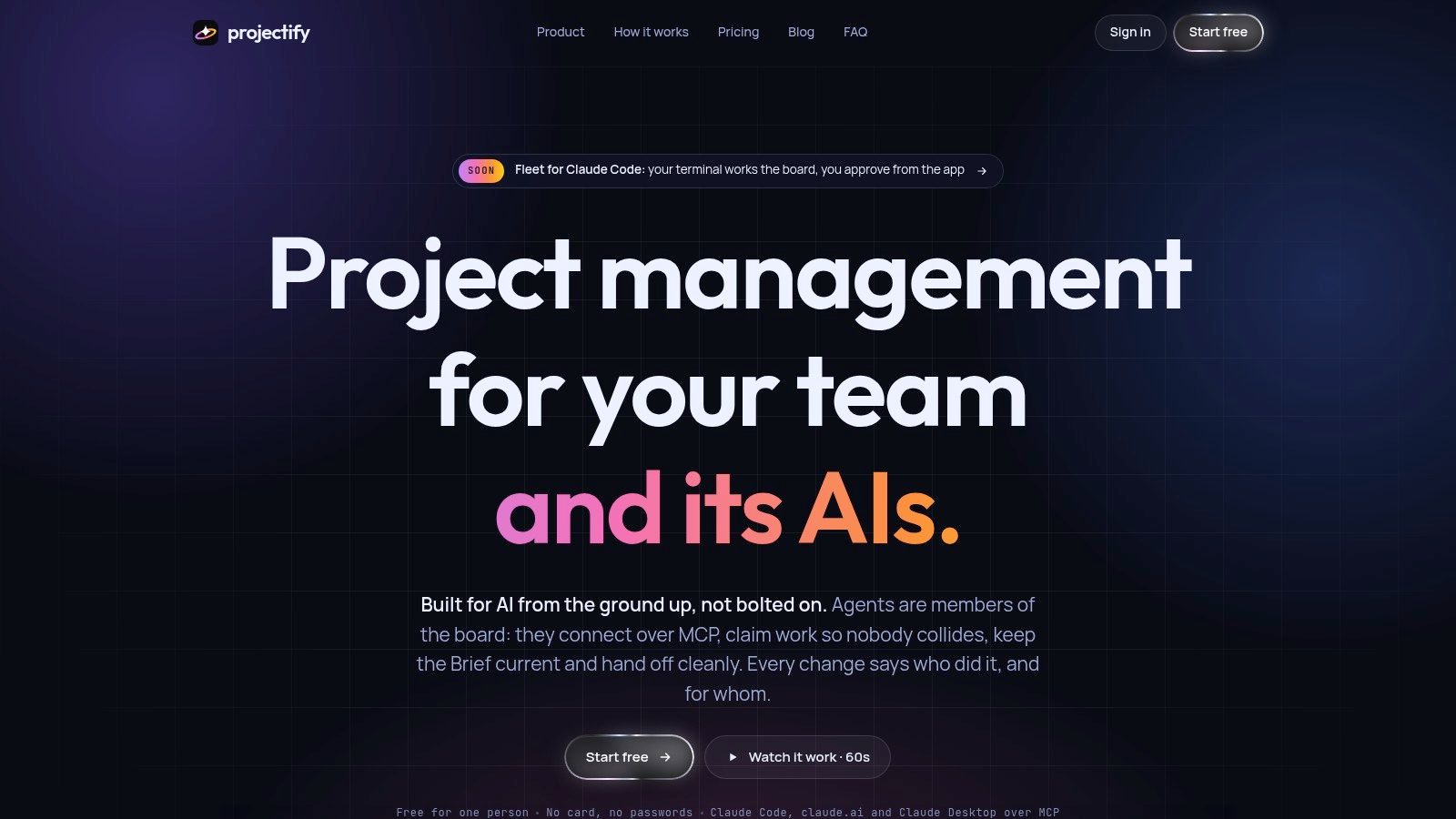
An agent finishes a task overnight and updates the card before anyone is awake. On most boards, that edit is indistinguishable from a human one. Projectify is built around closing that gap: people work in the web app while agents such as Claude Code, claude.ai, and Claude Desktop connect over MCP and act for a named teammate. Every change is attributed accordingly, for example Claude for Noor, so you can reconstruct who did what without digging through chat history.
Coordination remains the underbuilt layer in agent workflows, and the demand is real. Anthropic's 2026 survey found 81% of technical leaders planned more complex agent use cases and 42% already trusted agents to lead development work with human oversight, per Anthropic's 2026 State of AI Agents report. The same report shows agent delegation concentrated on coding tasks, with cross-team coordination delegated far less often. Projectify targets that gap directly.
How It Prevents Collisions
Two primitives do most of the work. Task claims act as a lease, so only the holder changes a task and a second agent is told who holds it. Start next hands out the highest-ranked, unblocked task from one shared queue, which removes manual assignment when several sessions run in parallel.
Context gets equal attention:
- Briefings and project rules: every session starts with the brief, lasting always and never rules, open work, and the latest handoff.
- Decisions and handoffs: agents propose decisions for human acceptance, and each session ends with what was done, what's unfinished, and what's next.
- Needs you and chat rooms: approvals, questions, and blocked items route to a person instead of lingering on a card.
- External sync and review: two-way sync with Monday, Trello, and Azure DevOps, plus Figma design review and a versioned Project Drive, support client work.
Practical rule: If two agents can pick up the same card at the same time, you don't have multi-agent coordination. You have a shared to-do list with faster collisions.
Pricing is unusually simple for this category. The site lists a free Solo plan, Team at $29 per workspace per year for up to 20 people, and a limited $39 lifetime offer for up to 10, with agents not requiring seats and self-hosting with Postgres available on custom plans (Projectify pricing). The team also reports running its own delivery through the product with full change attribution. Treat that as a product-use signal; the site lists no independent awards or testimonials to weigh alongside it.
The trade-off is focus. If your team doesn't run MCP-compatible assistants, claims and briefings won't earn their keep, and Fleet is marked coming soon and limited to Claude Code. Self-hosting also assumes someone comfortable setting up Postgres. Teams still weighing general-purpose options can start with this guide to task management software for small teams before committing to an agent-first workflow.
Best for: Small teams and solo builders already running parallel agent sessions who need claims, attribution, and durable context.
2. Trello
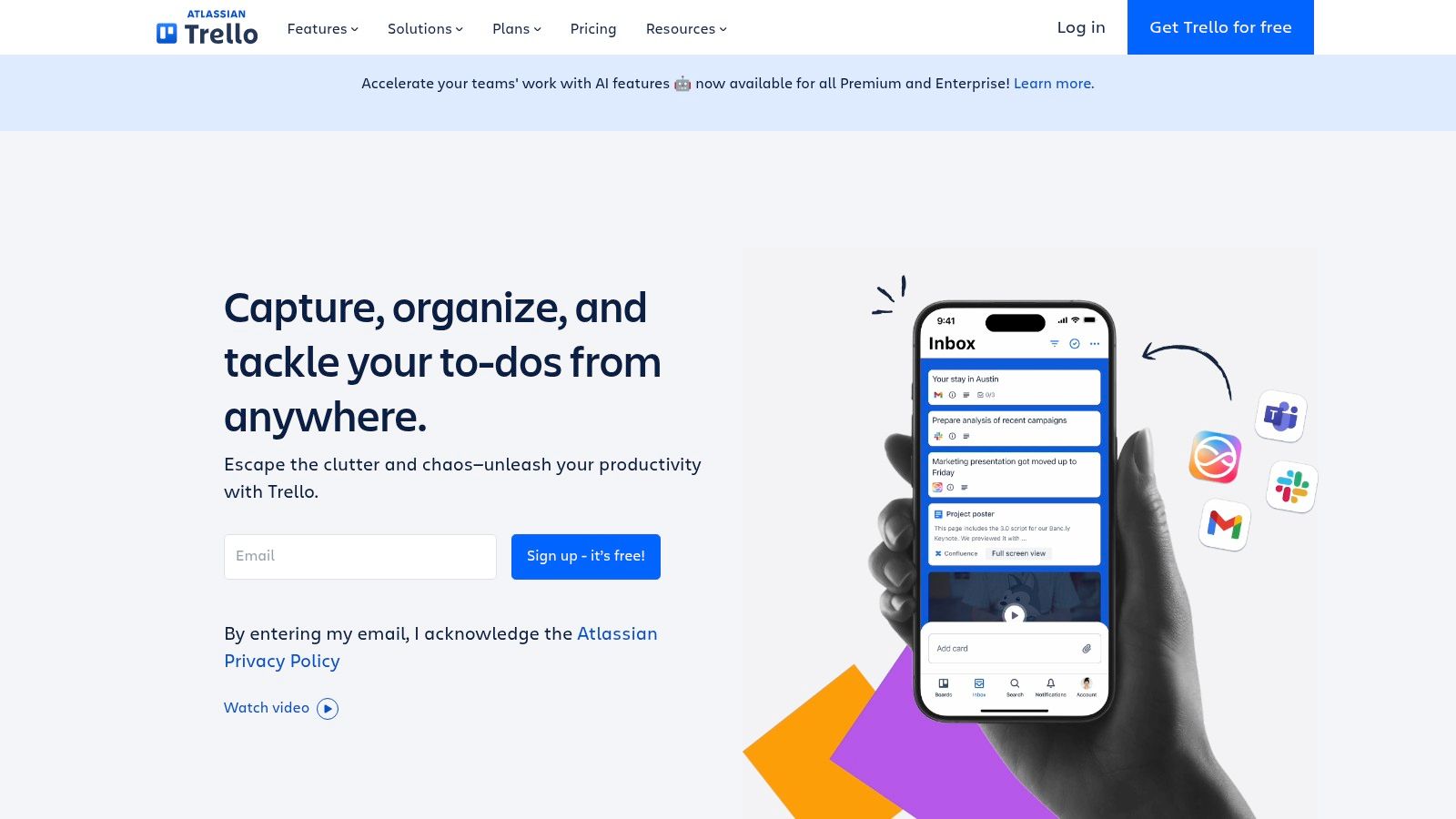
Trello is still the fastest way to get a board running. You create boards, lists, and cards, drag work across columns, and you're coordinating within minutes. For a client project, a content pipeline, or a small operations queue, that immediacy beats a more powerful system nobody opens.
Cards carry the essentials well: checklists, due dates, assignments, labels, and attachments. Built-in automation handles repetitive moves, such as assigning work when a card enters a list, and Power-Ups extend the board when you need a calendar, a form, or an integration. Additional views sit on eligible paid plans, which is where the free experience starts to feel deliberately narrow.
Where Trello Fits and Where It Strains
Trello works best when the workflow is simple and external collaborators need almost no training. It's excellent for lightweight collaboration because guests understand the board at a glance. It strains when work has real dependencies, nested subtasks, or reporting needs, since you'll patch those gaps with Power-Ups and naming conventions.
For agent work, Trello is a surface agents can read or update through integrations, not a coordination layer. There's no native claim preventing two sessions from working the same card, and no structured handoff between sessions. Teams that keep a client on Trello while coordinating agents elsewhere can use the Trello two-way sync integration to keep both boards aligned and surface conflicts on the task.
Pros include quick setup, a free plan for small teams, and painless external collaboration. Cons are the need for extra structure on complex projects, paid advanced views and controls, and a weaker fit for software delivery than Jira or Linear.
Best for: Lightweight workflows and client-facing boards where simplicity matters more than depth.
Free for one person. No card. Connected in a minute.
3. Jira
Jira is the heavyweight option for software delivery, and it earns that position through configurability. You get Kanban and Scrum boards, backlogs, multiple work views, and configurable issue types, workflows, and permissions. A bug can follow a different path than a feature, with different fields and approval gates, without forcing every team into the same process.
That breadth explains its staying power. The 2022 State of Kanban survey identified Jira among the most-used tools, while noting it wasn't highly recommended by its users relative to its usage, as detailed in the 2022 State of Kanban report. That pattern is familiar in practice. Jira is often already installed, fully integrated, and resented in roughly equal measure.
Configuration Is the Price of Control
Automation, reporting, and the Atlassian Marketplace let you extend Jira far beyond a board, and higher tiers add cross-team planning and governance. For engineering organizations that need structured handoffs and audit-friendly permissions, that control is the point. For a five-person team that wants cards on a wall, it's overhead you'll feel every week in administration, settings sprawl, and onboarding.
- Strengths: Flexible workflows per team, a broad integration ecosystem, and a free plan supporting up to 10 users.
- Limits: Configuration can become a part-time job, the interface feels heavy for simple boards, and advanced planning sits on higher tiers.
On agents, Jira's permissions and history help with governance, but the board itself doesn't coordinate parallel agent sessions. You'll still need your own conventions to stop duplicate work and preserve context between sessions.
Best for: Software teams that need configurable issue tracking and governance more than they need simplicity.
4. Linear
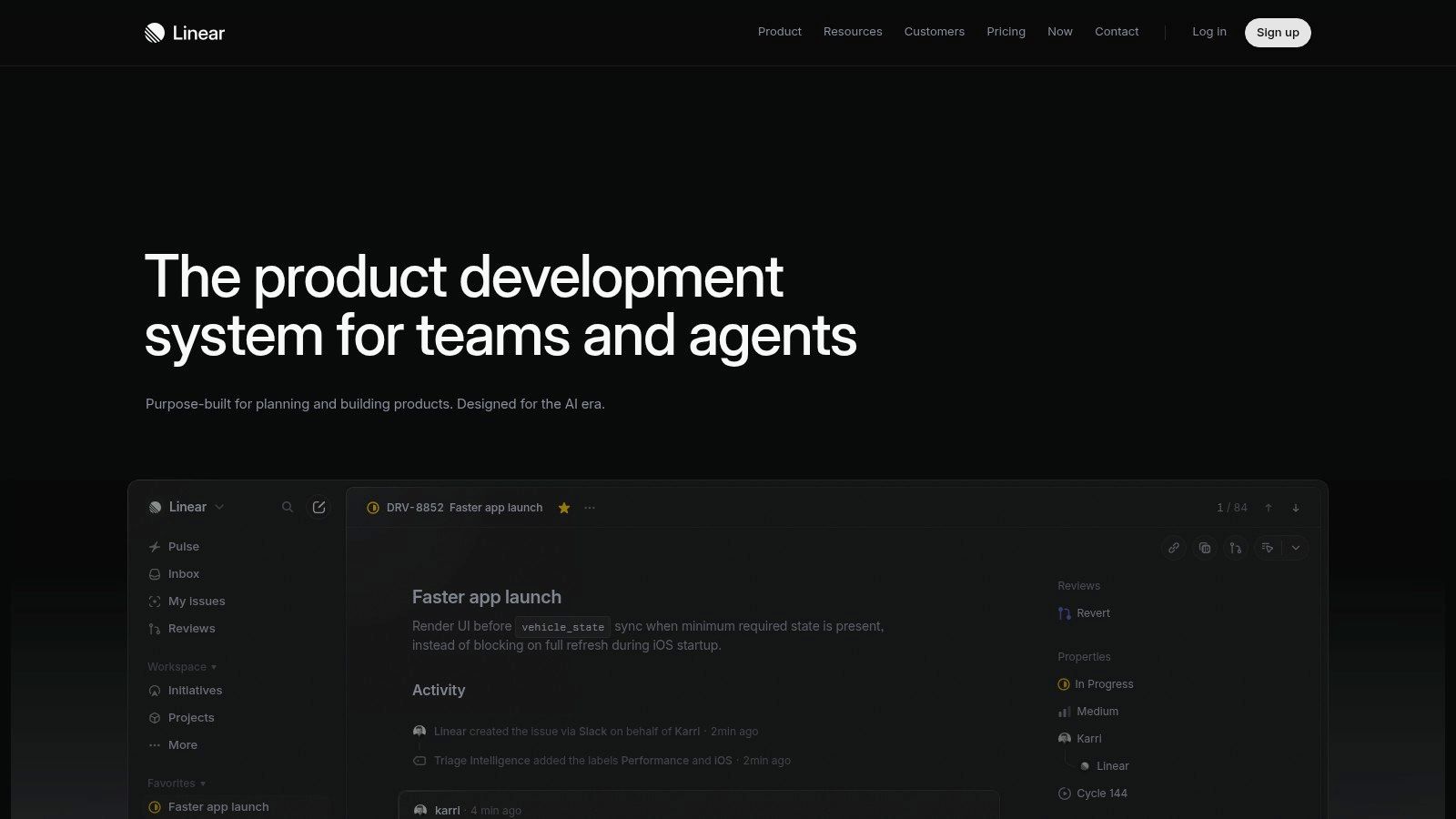
Start with what Linear refuses to do. It won't become your company wiki, your CRM, or your marketing planner. It's organized around issues, projects, cycles, and initiatives, and that focus gives engineering teams a fast, opinionated tracker without Jira's configuration surface.
Day to day, that means keyboard-driven triage, team workflows that match how product engineers already think, and integrations aimed at code rather than generic business apps. Paid tiers add insights and broader collaboration features, but the core issue and cycle model stays clean. If your team's work is shipping software, Linear's constraints usually feel like relief rather than limitation.
The Agent Angle
Linear's plan comparison lists MCP access and agent platform features, which puts it ahead of most traditional trackers for agent connectivity. Agents can interact with real issue data instead of scraping a board. That's a meaningful step, though access isn't the same as coordination. Claims, ranked pull queues, and structured session handoffs still aren't the center of the product, so parallel sessions need discipline outside the tool. If you're weighing that distinction directly, see how Projectify compares with Linear for agent work.
Connecting an agent to your tracker answers whether it can see the work. It doesn't answer whether two agents will collide on it, or what the next session will remember.
Pricing starts with a free plan that includes unlimited members, capped at two teams and 250 issues. That cap makes the free tier a trial more than a home for an active team. Nontechnical departments may also find the issue and cycle vocabulary awkward, and some reporting and administration features require paid plans.
Best for: Product engineering teams that want structured delivery and modern agent access without heavy administration.
5. ClickUp
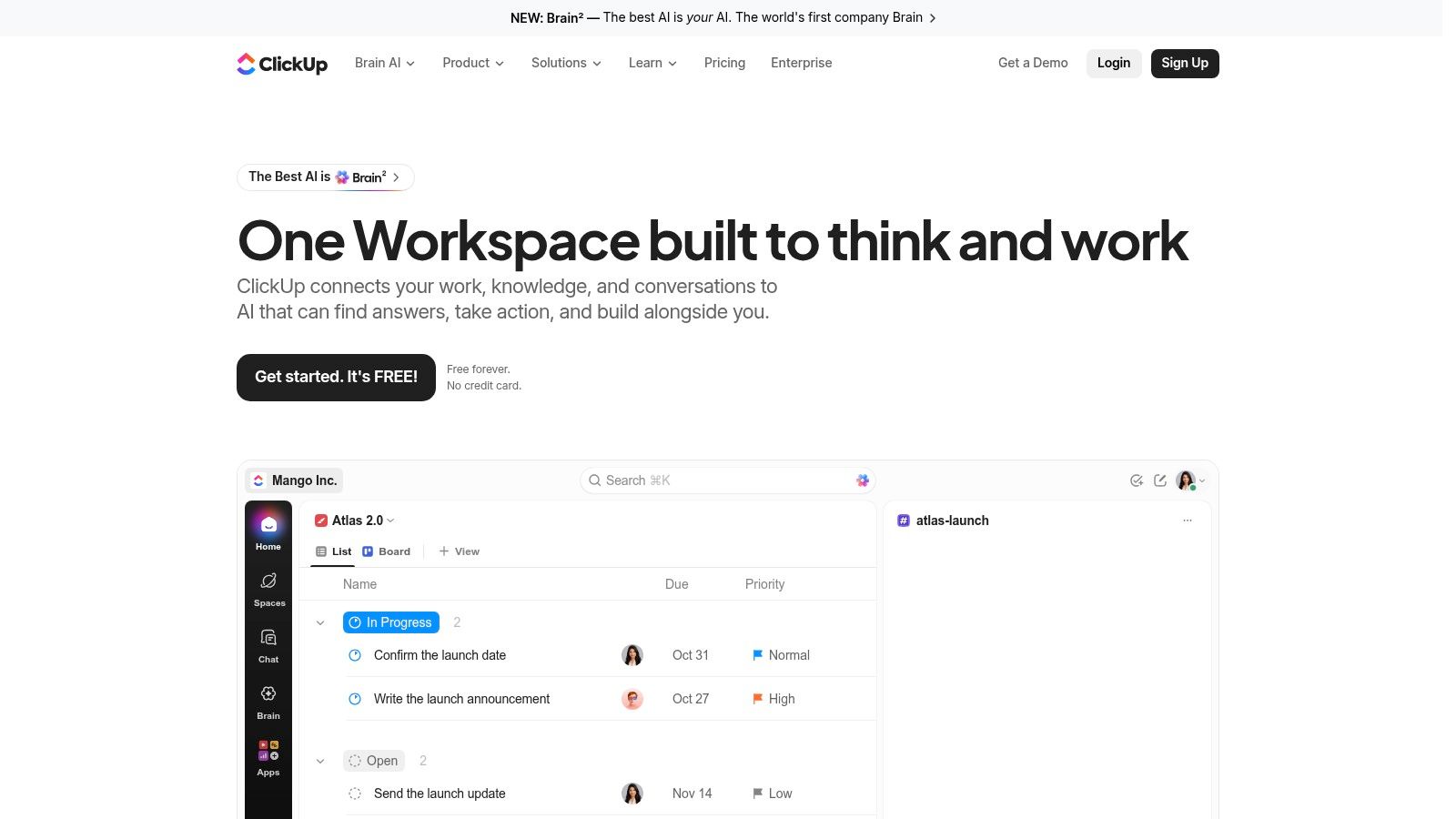
ClickUp takes the opposite bet from Linear. Instead of narrowing the job, it tries to hold everything: tasks, docs, forms, reporting, and multiple views in one workspace. The Board view gives you drag-and-drop cards with customizable statuses, and the same work can appear in list, calendar, or Gantt view without duplication.
For a small team juggling delivery and operations, that consolidation has real appeal. You can group board cards by assignee or priority, add custom fields, break work into subtasks, and automate status changes. Board views are available on the Free Forever plan, which also includes unlimited free-plan members, so you can test a genuine workflow before paying.
Flexibility Needs a Gardener
The cost shows up in setup. ClickUp's feature count means someone has to decide what your workspace won't use, or every project develops its own statuses, fields, and conventions. I've seen teams spend more time maintaining the system than the system saves them, usually because nobody owned that pruning. Some views and capabilities also carry free-plan limits, so check the specific features your workflow depends on.
For agent workflows, ClickUp functions as a rich data source rather than a coordination protocol. Its automation can move and assign cards, but it won't reserve a task for one agent session or hand structured context to the next one. That's fine if AI helps you draft and summarize. It's a gap if agents execute work autonomously.
Pros are a generous free tier, customizable board grouping and card detail, and one workspace for many work types. Cons are setup overhead, free-plan limits on some capabilities, and more system than a simple board requires.
Best for: Teams that want boards plus docs, forms, and reporting in one configurable workspace, and will actively keep it tidy.
6. Asana
Asana treats the board as one lens on a project rather than the project itself. The same work appears in Board, list, and calendar views, with timeline available on eligible plans, so a marketing lead can work in calendar view while an operations manager drags cards through board sections. Nobody maintains a duplicate copy, and task details like assignees, due dates, and subtasks stay consistent across views.
That multi-view model is why Asana fits cross-functional coordination well. A product launch involving design, content, legal, and engineering doesn't live naturally in an issue tracker, and Asana gives each function a format it understands while keeping one source of truth. Configurable board sections let you mirror your actual stages instead of forcing a generic pipeline.
What to Check Before You Commit
Paid plans are seat-based with a two-seat minimum, which matters for very small teams comparing workspace-priced alternatives. Higher-level planning features, including portfolio-style oversight, sit on paid tiers, so map your must-haves to a tier before migrating projects. Engineering teams should also be honest about fit, since Asana doesn't offer the issue types, cycles, or code-oriented workflow that Jira and Linear are built around.
- Choose Asana if: Your work spans functions and stakeholders need different views of the same project.
- Look elsewhere if: You need dedicated software issue tracking or agent-level task coordination.
Asana's agent story is similar to other general work tools. AI can assist inside tasks, but the board doesn't claim work for a specific agent, attribute changes to a person-plus-agent pair, or preserve session handoffs. For human cross-functional planning, that trade-off is usually acceptable.
Best for: Cross-functional projects where one plan must serve several departments in different views.
7. monday.com
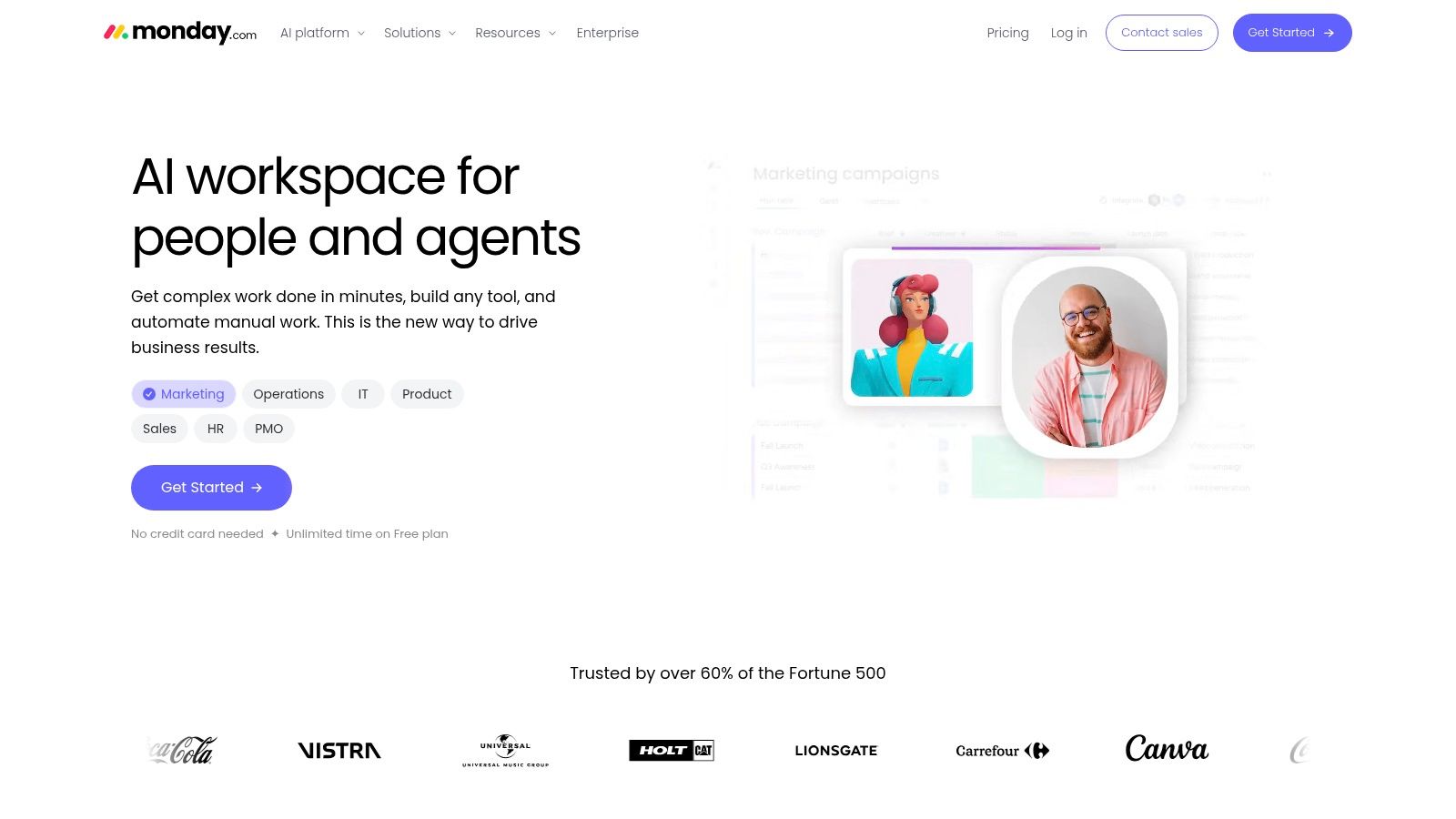
Ask a monday.com team what a board is and you'll get a different answer than a Trello team would give. Here, the board is a configurable data table first, and Kanban view is one way to visualize its stages alongside calendar, timeline, and chart views. Columns can hold statuses, owners, dates, budgets, or almost any operational field you define.
That structure suits operational workflows that don't look like software delivery. An agency tracking client deliverables, approvals, and capacity across accounts can model the whole process on boards, then roll key numbers into dashboards on eligible plans. Automation reduces the manual status chasing that kills operational boards, moving items and notifying owners when conditions change.
Configurable, With Billing Fine Print
The flexibility cuts both ways. A team that wants To Do, Doing, and Done is buying a platform it'll mostly ignore, and views, dashboards, and automation depth vary by plan. Team-size requirements and billing details also need careful comparison before you select a tier, since the right plan depends on headcount brackets as much as features.
Check first: Model your real board, including the dashboard your manager will ask for, then price that exact setup. Configurable platforms punish teams that price the demo instead.
For mixed human and agent work, monday.com can serve as the client-facing or operations-facing board of record. It doesn't natively coordinate agent sessions with claims or durable briefings, which is why some teams keep monday.com for stakeholders and sync it with a coordination layer for execution.
Best for: Operations and agency teams that need configurable boards, multiple visualizations, and dashboards across several workflows.
Top 7 Kanban Board Software Comparison
| Tool | 🔄 Implementation complexity | ⚡ Resource requirements | 📊 Expected outcomes | ⭐ Key advantage | 💡 Ideal use case |
|---|---|---|---|---|---|
| Projectify | Moderate; benefits depend on adopting AI-agent workflows | MCP-compatible assistants; optional technical setup for self-hosting | Coordinated human–agent work with task claims, handoffs, and attribution | Built specifically for teams and AI agents working together | Small teams coordinating people and AI agents |
| Trello | Low; quick to learn and set up | Minimal setup; advanced views require eligible paid plans | Clear visual tracking for lightweight workflows | Simple boards, cards, and drag-and-drop workflow | Small teams and client collaboration |
| Jira | High; workflows and administration can require configuration | Admin time; advanced controls may require higher-tier plans | Structured software issue tracking, planning, and reporting | Flexible engineering workflows and broad integrations | Software teams needing configurable issue tracking |
| Linear | Low to moderate; focused workflow model | Limited setup; some reporting and administration require paid plans | Organized issue, project, and cycle tracking | Purpose-built software-development workflow | Product and engineering teams |
| ClickUp | Moderate to high; workspace setup may take time | Time to configure features; some capabilities have plan limits | Tasks and projects managed alongside documents, views, and reporting | Broad work-management features in one workspace | Teams wanting customizable project tracking and multiple tools |
| Asana | Moderate; projects can use several views | Seat-based paid plans have a two-seat minimum | Cross-functional task coordination across project views | Switchable views retain the same project tasks | Teams coordinating work across departments |
| monday.com | Moderate; configure boards and check plan details | Plan-dependent features; verify team-size and billing requirements | Adaptable tracking and visualization across workflows | Configurable boards with multiple ways to view work | Teams managing varied operational or project workflows |
Choose the Workflow That Matches Your Team
Start from the evidence that kanban itself works when teams manage flow. In the 2022 State of Kanban survey of 483 practitioner responses, 87% considered kanban more or much more effective than their previous methods and 86% expected to expand their initiatives the following year, according to the State of Agile and kanban adoption statistics. The method isn't the risk. Buying the wrong shape of tool is.
So match the tool to the workflow, not the feature list. Choose Trello when a lightweight, client-friendly board is enough. Choose ClickUp or monday.com when configurable views, fields, and automation justify the setup and gardening they'll demand. Choose Asana when one project must serve several functions in different views, and choose Jira or Linear when structured software delivery, issue types, and cycles are the center of your work.
Choose Projectify when AI agents already do meaningful work and your real problems are collisions, cold starts, and untraceable changes. That's also where governance stops being optional. A 2025 KPMG board survey found 70% of respondents were developing responsible-use policies while only 40% were implementing a recognized AI-risk governance framework, as published in KPMG's 2025 boardroom survey on generative AI governance. Boards that record who authorized an agent, what it changed, and whether a human approved it close that gap in daily practice.
Before committing, run one representative project for two weeks. Test your hardest handoff, not your easiest task, and include an agent session ending mid-task so the next session has to pick up cold context. Verify which features you relied on require payment, confirm seat or workspace pricing at your real team size, and check that the board supports the people and agents who will use it.
The right pick is the smallest board that keeps flow visible, ownership unambiguous, and handoffs intact as your team, human and otherwise, grows.
If your agents are already writing code and drafting specs but keep colliding, starting cold, or changing work nobody can trace, try the board built to coordinate them. Projectify gives small teams task claims, a shared Start next queue, durable briefings and handoffs, and full person-plus-agent attribution, starting with a free Solo plan.